Chapter 5 PROGRAMING MODE
See Appendix “Text
Editing” for more
detailed information.
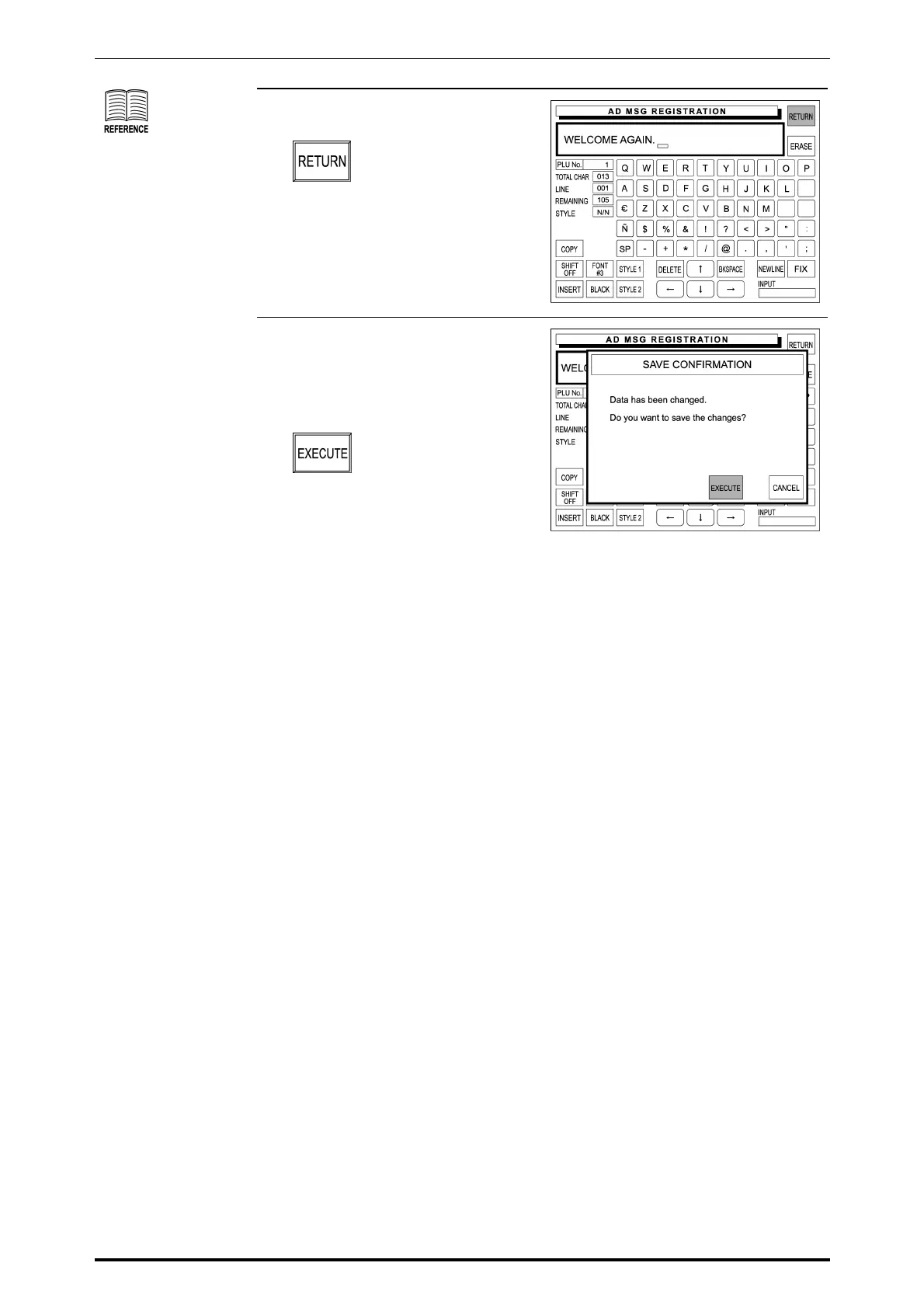
5. When the text editing is complete,
touch [RETURN] on the screen.
6. The confirmation screen appears
on the display for saving.
Then, touch [EXECUTE] to save
the registered message.
5-46 SR-2000α User’s Manual (No. 0000A)



 To Next Page