Chapter 5 PROGRAMING MODE
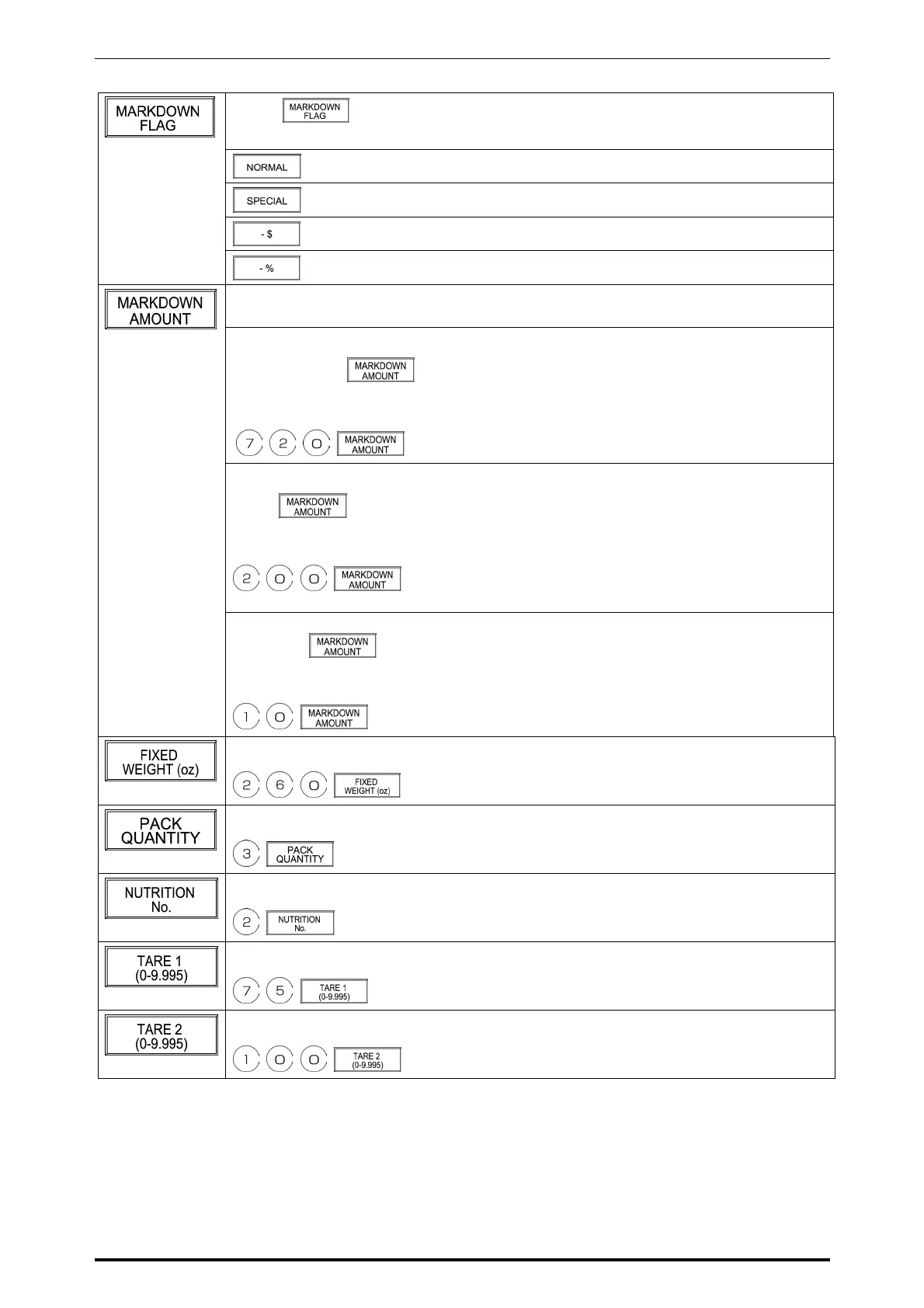
Touch on the screen to access to the selection screen.
Then, touch one of the following buttons to select.
Normal price
Special price
Amount discount (-$)
Percent discount (-%)
When [NORMAL] is selected in the Markdown Flag selection above, numeric data
entry is not possible.
When [SPECIAL] is selected in the Markdown Flag selection above, enter a special
price and touch
.
Example: Special price $ 7.20
When [-$] is selected in the Markdown Flag selection above, enter a special price and
touch
.
Example: Discount amount $ 2.00
When [-%] is selected in the Markdown Flag selection, enter a discount percentage
and touch
.
Example: Discount percentage 10%
Example: Fixed weight 0.260 lb
Example: Pack quantity 3 pcs.
Example: Nutrition number “2”
Example: Tare 1 “0.075 lb”
Example: Tare 2 “0.100 lb”
SR-2000α User’s Manual (No. 0000A) 5-5



 To Next Page