Chapter 5 PROGRAMING MODE
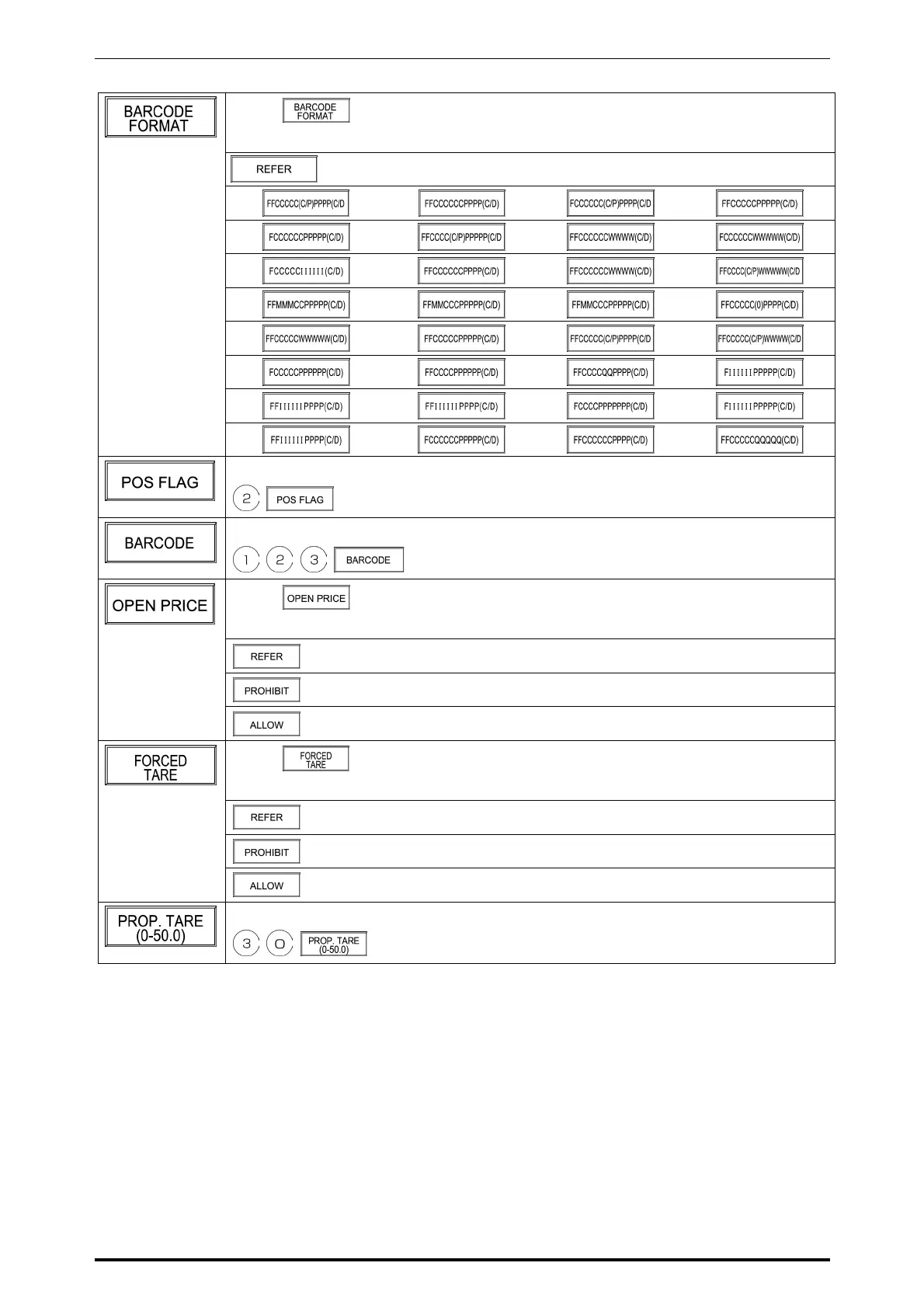
Touch on the screen to access to the selection screen.
Then, touch one of the following buttons to select.
When referring to the set reference data
Example: POS flag “2”
Example: Barcode “123”
Touch on the screen to access to the selection screen.
Then, touch one of the following buttons to select.
When referring to the set reference data
When prohibiting the open price
When allowing the open price
Touch on the screen to access to the selection screen.
Then, touch one of the following buttons to select.
When referring to the set reference data
When prohibiting the forced tare entry
When allowing the forced tare entry
Example: Proportional tare “3 %”
SR-2000α User’s Manual (No. 0000A) 5-7



 To Next Page