Chapter 5 PROGRAMING MODE
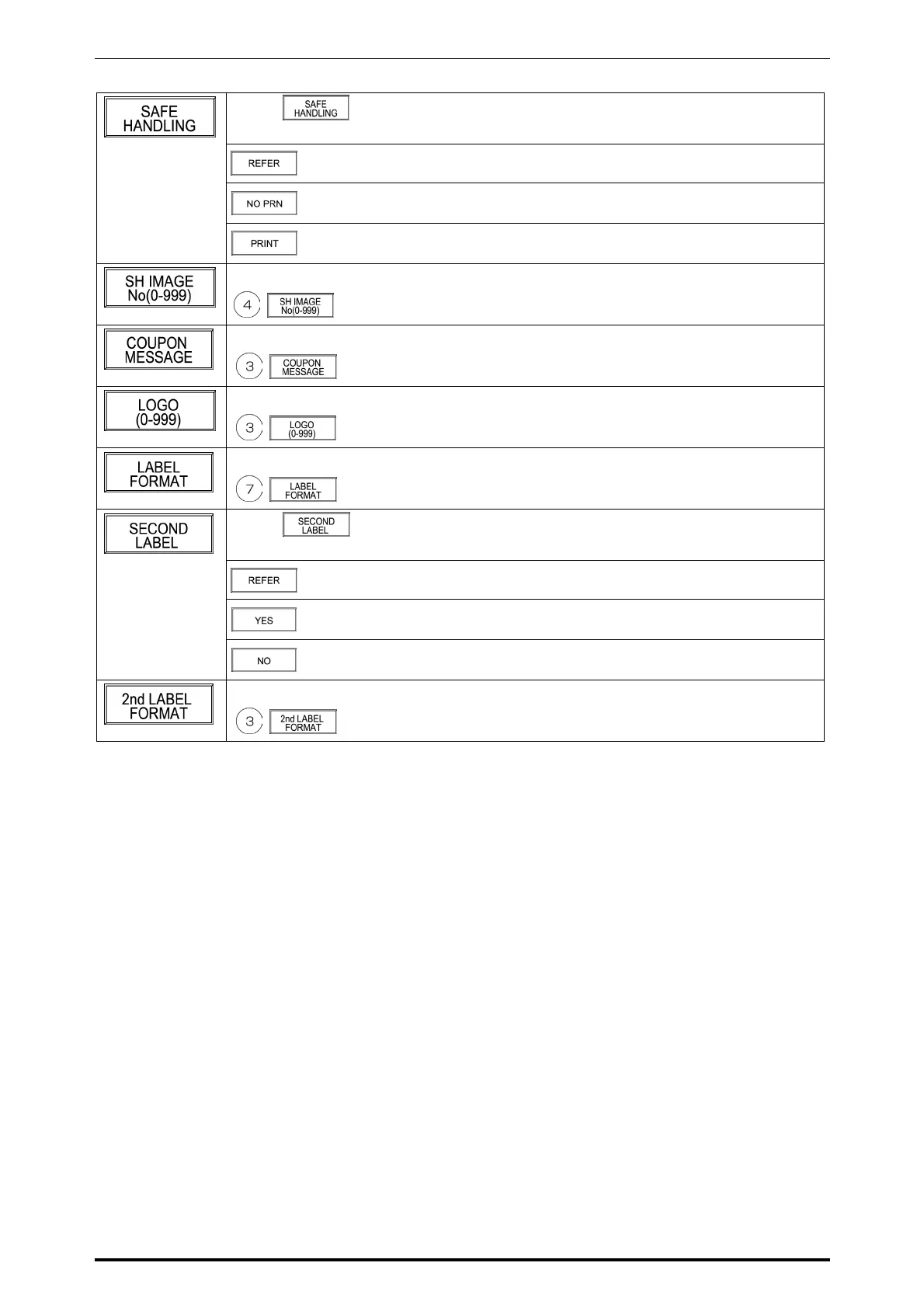
Touch on the screen to access to the selection screen.
Then, touch one of the following buttons to select.
When referring to the reference data setting
When not printing the safe handling on the label
When printing the safe handling on the label
Example: Safe handling image number “4”
Example: Coupon message number “3”
Example: Logo image number “3”
Example: Label format number “7”
Touch on the screen to access to the selection screen.
Then, touch one of the following buttons to select.
When referring to the reference data setting
When using the second label
When not using the second label
Example: Second label format number “7”
SR-2000α User’s Manual (No. 0000A) 5-9



 To Next Page