2-13
TAIKO Service Manual
© 2006 Japan Cash Machine Co., Ltd. All rights reserved.
CHAPTER
2
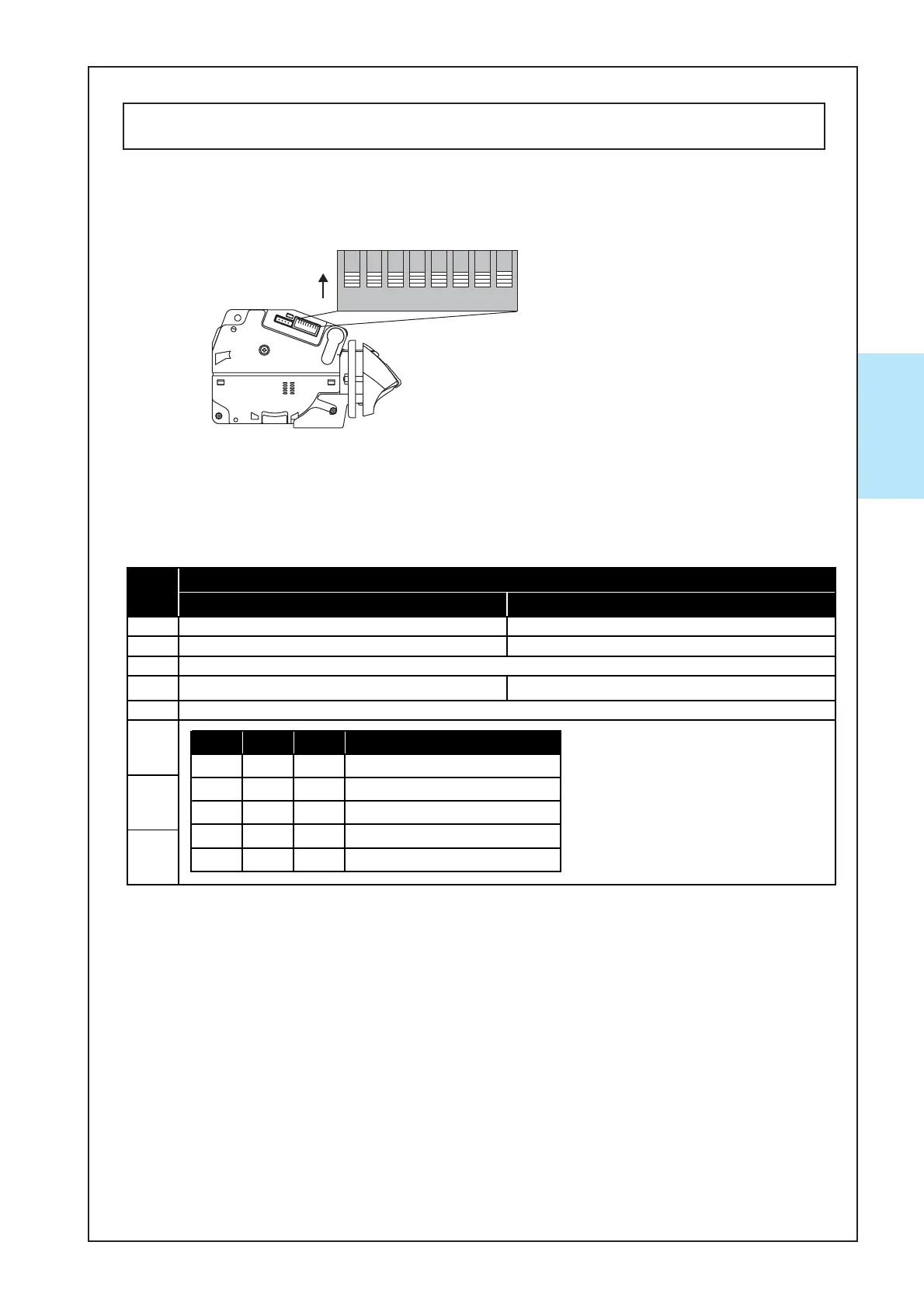
2-5. DIP Switch Settings
The communication method and various functions of the TAIKO unit can be set with the
DIP switches on the left side of the unit.
ON OFF
1 Test Mode *1 Normal Mode
2 Double-Scan Mode *2 Normal Scan Mode
3
4 Five (5) drum cycles (fishing prevention) *3 Normal Operation
5
6
7
8
Refer to the Software S
ecifications
SW#
Reserve
Setting Item
*1 For details about the Test Mode, refer to 5-3. Test Mode.
*2 The acceptance rate will be improved but operation time will be increased if a
banknote is rejected.
*3 Fishing prevention will be improved but operation time will be increased.
*4 For Details about Pulse I/F, refer to the Software Information Sheet.
Left Side
87654321
ON
2-5-1. Basic Settings
X4: ID-003 (serial)/ MDB/ Pulse/ ccTalk Specification
6 7 8 I/F Setting
OFF OFF OFF ID-003 (SERIAL)
ON OFF OFF MDB
OFF ON OFF ccTalk (Non Encrypted)
ON ON OFF ccTalk (Encrypted)
--ON PULSE *4



 To Next Page