TAIKO Service Manual
2-14
CHAPTER
2
© 2006 Japan Cash Machine Co., Ltd.. All rights reserved.
*1 For details about the Test Mode, refer to 5-3. Test Mode.
*2 The acceptance rate will be improved but operation time will be increased if a
banknote is rejected.
*3 Fishing prevention will be improved but operation time will be increased.
*5 For Details about demomination Stting “INHIBIT”/”ACCEPT”, refer to the Soft-
ware Information Sheet.
2-5-2. Basic Settings
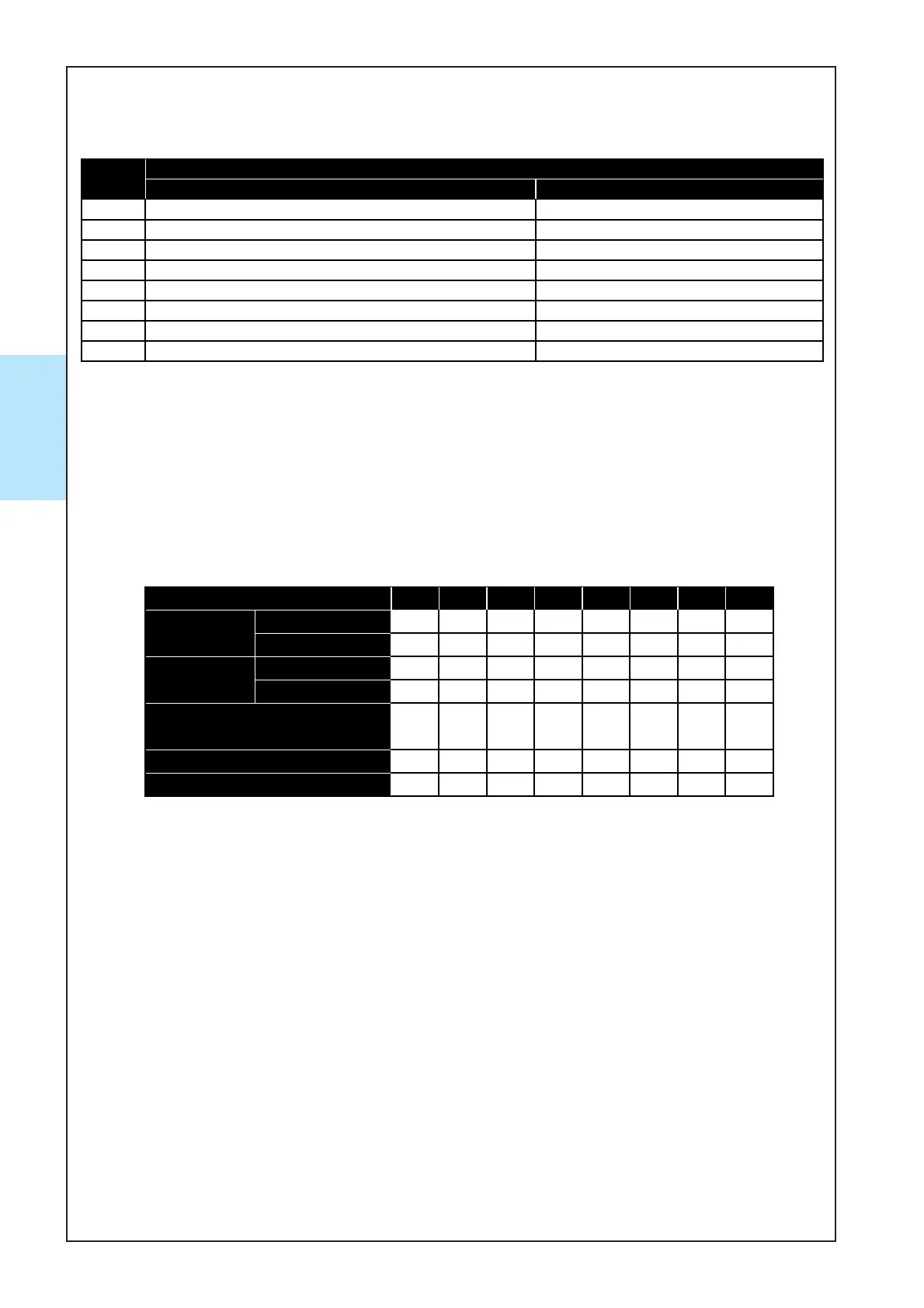
01: ID-001 (parallel) Specification
SW1 SW2 SW3 SW4 SW5 SW6 SW7 SW8
Accept Setting
ON
OFF OFF OFF OFF
ON
OFF OFF
Inhibit Setting
ON
OFF OFF OFF OFF
ON ON
OFF
Define Pattern 1
ON ON
OFF OFF OFF OFF
ON
OFF
Define Pattern 2
ON
OFF
ON
OFF OFF OFF
ON
OFF
ON ON ON ON ON ON
OFF OFF
ON
OFF OFF OFF OFF OFF
ON ON
ON ON
OFF OFF OFF OFF OFF
ON
Adjustment Mode *1
Denomination
Setting Mode
LED Pattern
Setting Mode
Setting Items
Download Mode *1
Encryption Code Initializing
Setting Mode
ON OFF
1 TestMode*1 NormalMode
2 EscrowMode NoEscrowMode
3 Double‑ScanMode*2 NormalScanMode
4 Five(5)drumcycles(fishingprevention)*3 NormalOperation
5 DenominationSetting"INHIBIT"*4 DenominationSetting"ACCEPT"*4
6 DenominationSetting"INHIBIT"*4 DenominationSetting"ACCEPT"*4
7 DenominationSetting"INHIBIT"*4 DenominationSetting"ACCEPT"*4
8 DenominationSetting"INHIBIT"*4 DenominationSetting"ACCEPT"*4
SW#
SettingItem
2-5-3. Special Settings
*1 For details about Software Download and Adjustment, refer to Chapter 4 Down-
load/Adjustment.



 To Next Page