TAIKO Service Manual
4-10
CHAPTER
4
© 2006 Japan Cash Machine Co.Ltd. All rights reserved.
7. When the reference paper reaches all the way in, green LED flashes.
8. Set the DIP switch No.8 OFF to start the paper adjustment. Confirm that TAIKO’s
yellow LED lights.
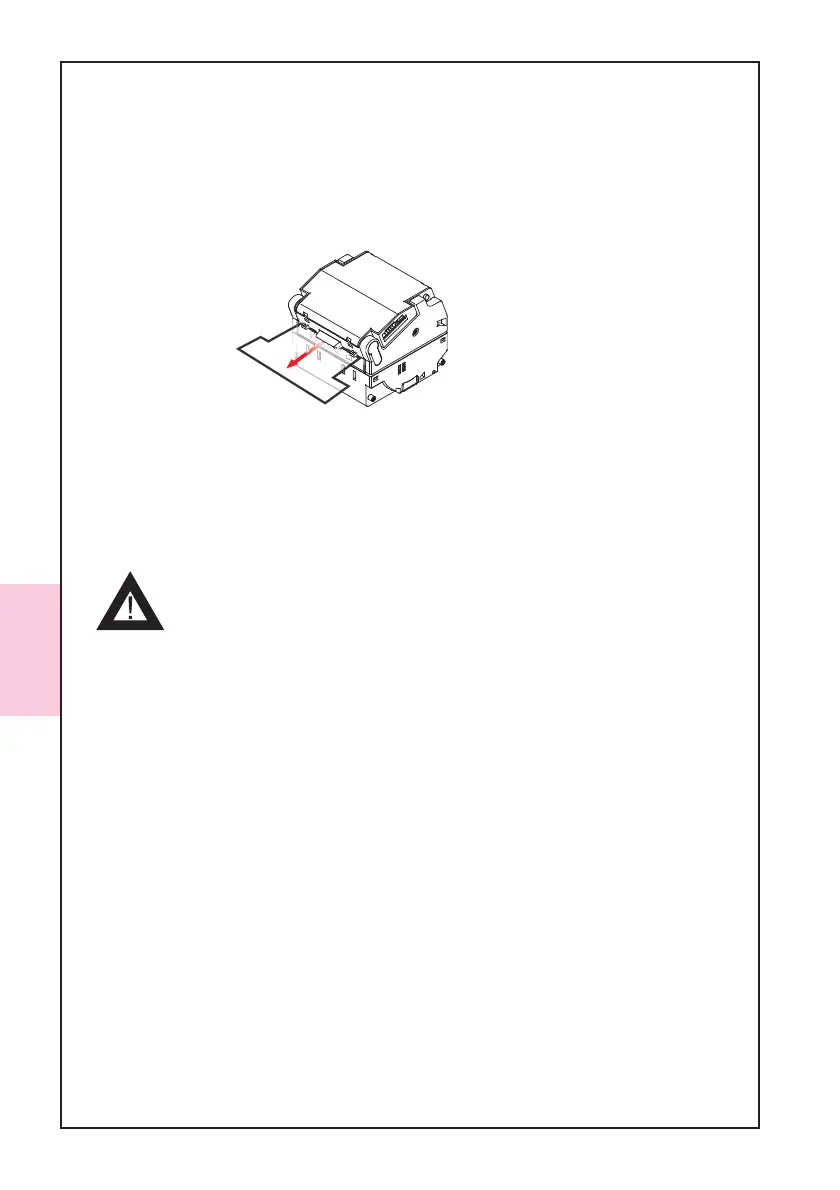
9. When the paper adjustment is completed, the reference paper come out of the TAIKO
Unit automatically. Remove the reference paper.
10. Confirm the green LED lights and set the DIP switch No.8 ON to start the no paper
adjustment.
11. Confirm that TAIKO’s yellow LED lights.
12. When the paper adjustment and EEPROM writing is completed successfully, confirm
that TAIKO’s blue LED lights.
- If the adjustment and EEPROM writing is not completed suc-
cessfully, the red LED lights. Please start again from the be-
ginning.



 To Next Page