110
ENGLISH
Using a rear view camera
• To use a rear view camera, the reverse gear signal lead connection is required. For connecting a rear view camera,
☞ Installation/Connection Manual.
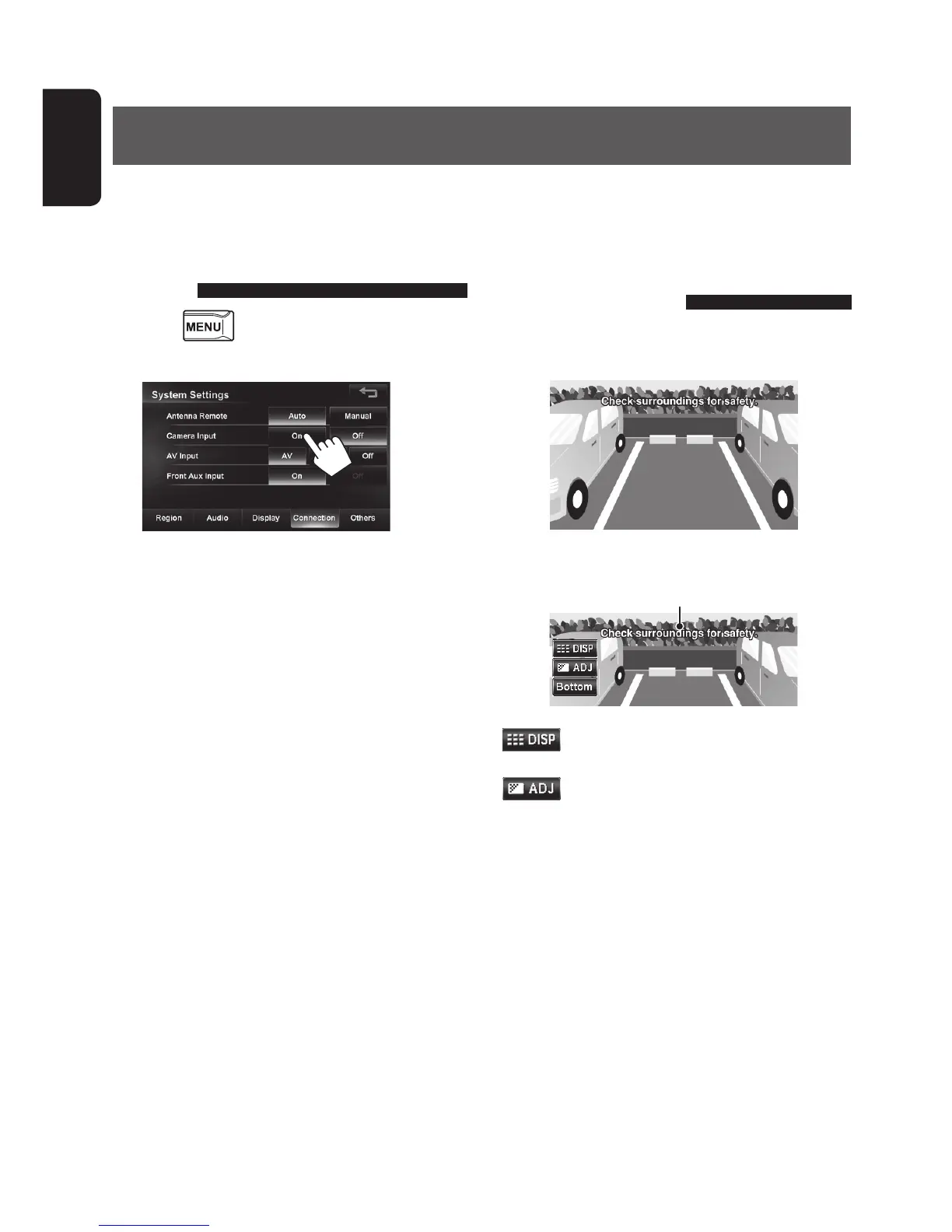
Activating the rear view
camera
1 Press - <Settings> - <System>
- <Connection>.
2
To deactivate the rear view camera, select [Off] for
<Camera Input>.
Rear View Camera Operations
Displaying the picture from the
rear view camera
The rear view screen is displayed when you shift the
gear to the reverse (R) position.
To display the operating buttons, touch the screen.
Caution message
[ ]
Hides the operating buttons on the
screen.
[
]
Adjusts the picture. (☞ page 84)
[Bottom][Top] Adjusts the position of the caution
message.
EN_KW-NT510HDT_NT310[J].indb 110 11/8/2012 2:49:35 PM



 To Next Page