44
ENGLISH
Listening to the HD Radio™ broadcast (For KW-NT510HDT)
• Many HD Radio stations offer more than one channel of programming. This service is called multicasting.
• To find HD Radio stations in your area, visit <http://www.hdradio.com/>.
You can tune in to both conventional and HD Radio broadcasts.
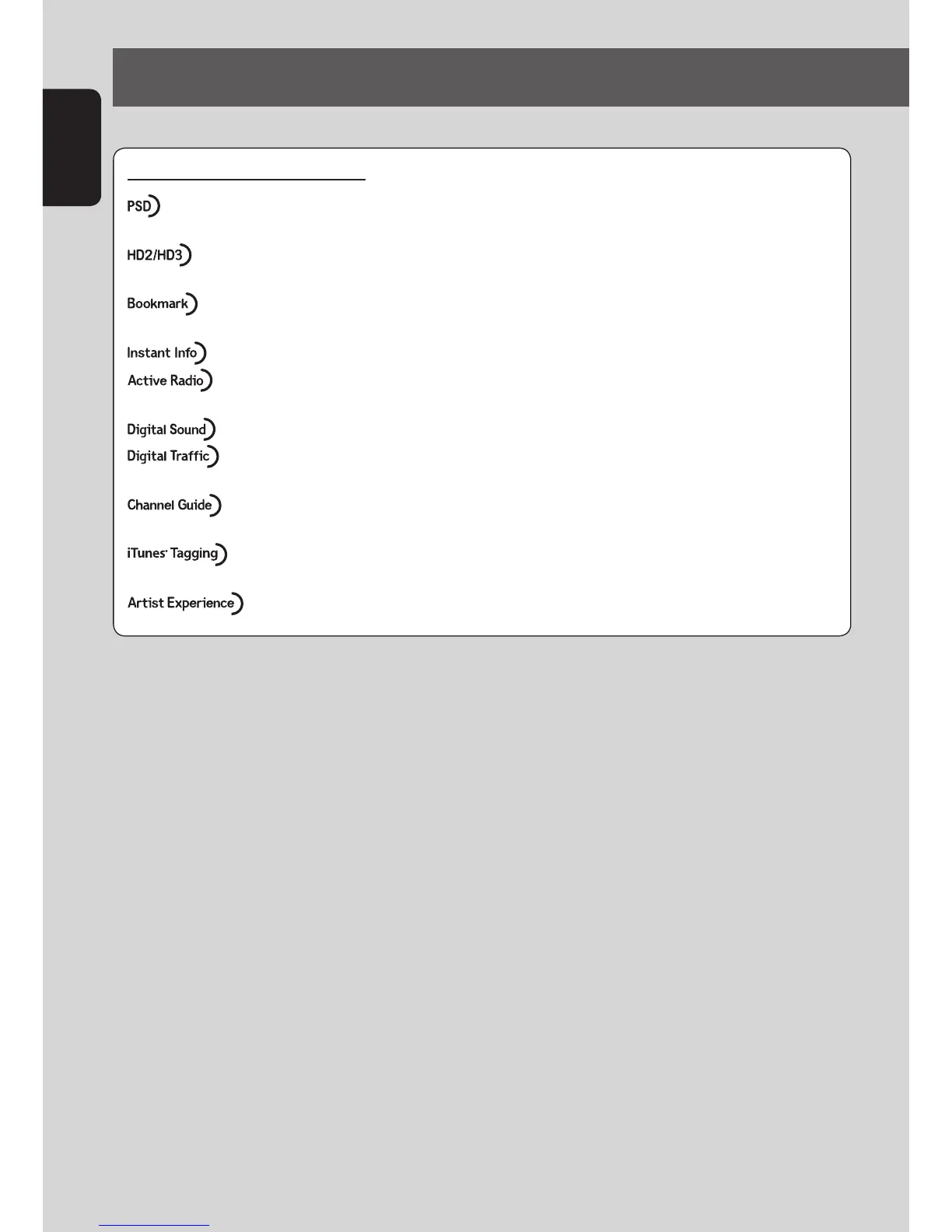
HD Radio Feature Descriptions
• Program Service Data provides song name, artist, station ID, and other relevant data
streams.
• Adjacent to traditional main stations are HD2/HD3 Channels, providing new original
formats on the FM dial.
• Bookmark is a music & product discovery feature that enables users to store information
about content on the radio and delivers interactive information via QR codes.
• News, sports, weather and more, useful information at the touch of a button.
•
An Emergency Alert feature using the HD Radio transmissions for delivering relevant alert
information such as weather alerts, road hazards, and civil or community messages.
•
HD Radio broadcasts deliver crystal clear, CD-like digital audio quality to consumers.
• HD Radio Digital Traffic delivers more in-depth traffic data and travel conditions-as mush as
10x faster than other broadcast methods.
• Channel Guide scans and stores the receivable HD Radio stations on the dial for immediate
viewing and accessing them conveniently from the radio screen.
• iTunes Tagging provides users the means to “tag” broadcast radio content for later review
and purchase from the iTunes Store.
• Visual images, such as album art of over-the-air broadcasts from HD Radio stations.
EN_KW-NT510HDT_NT310[J].indb 44 11/8/2012 2:49:26 PM



 To Next Page