82
ENGLISH
Using other external components
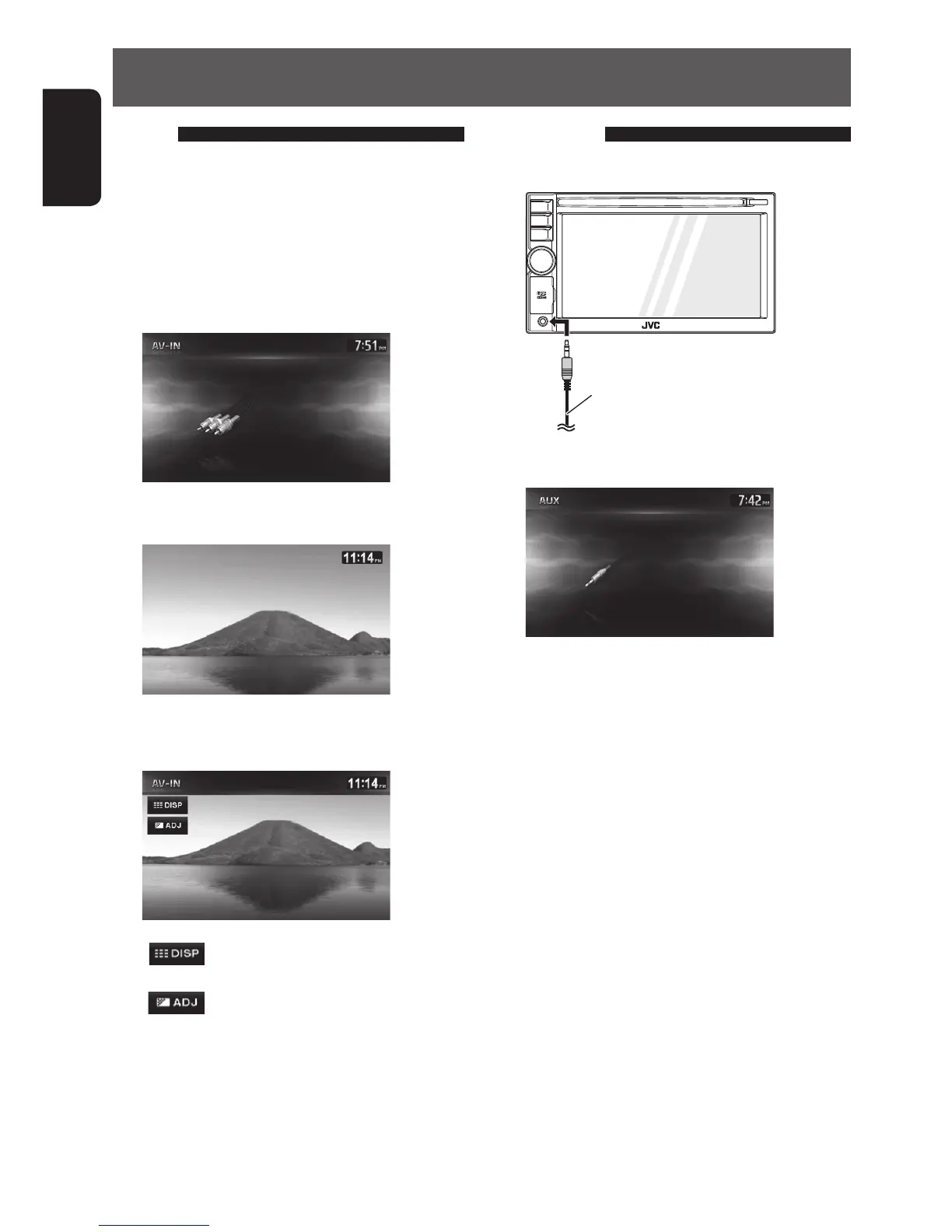
AV-IN
You can connect an external component to the LINE
IN/VIDEO IN jacks. (☞ Installation/Connection Manual)
1 Select <AV-IN> as the source.
2 Turn on the connected component and
start playing the source.
AV-IN audio screen
AV-IN video screen
To display the operating buttons, touch the
screen.
[ ]
Hides the operating buttons on
the screen.
[
]
Adjusts the picture. (☞ page 84)
• Select an appropriate setting on <AV Input>.
(☞ page 86)
Front AUX
1 Connect an external component.
3.5 mm (1/8”) stereo mini plug
(not supplied)
2 Select <Front AUX> as the source.
3 Turn on the connected component and
start playing the source.
•
Select an appropriate setting on <Front AUX Input>.
(☞ page 86)
EN_KW-NT510HDT_NT310[J].indb 82 11/8/2012 2:49:31 PM



 To Next Page