100
ENGLISH
Using Bluetooth device
To connect a Bluetooth device for the
first time
When you connect a Bluetooth device to the unit
for the first time, make pairing between the unit
and the device. Pairing allows Bluetooth devices to
communicate with each other.
• Once you register a Bluetooth device, the device
remains registered until the registration is deleted.
(☞ page 102)
• Up to 5 devices can be registered in total.
• Only one device for Bluetooth phone and one for
Bluetooth audio can be connected at a time.
• To use the Bluetooth function, you need to turn on
Bluetooth function of the device.
According to the Bluetooth device to register to the unit,
there are two ways for registration.
Registering a Bluetooth device
1 Operate the Bluetooth device to turn on its
Bluetooth function.
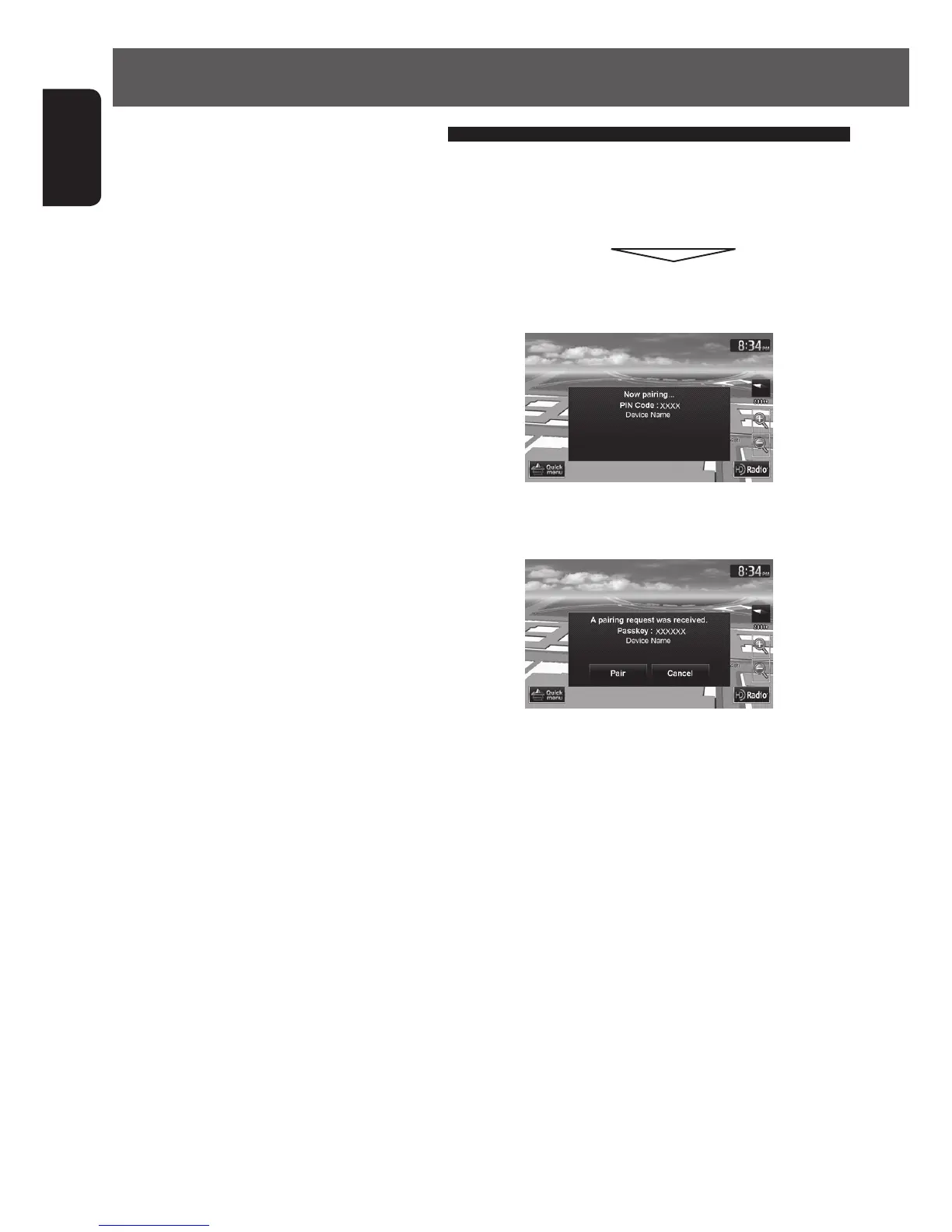
2 Select “JVC Navi” on the Bluetooth device.
When the PIN code or input screen is displayed on
the Bluetooth device, go to A.
When the pass key or PIN code confirmation screen
is displayed on the Bluetooth device, go to B.
EN_KW-NT510HDT_NT310[J].indb 100 11/8/2012 2:49:33 PM



 To Next Page