29
ENGLISH
How you are guided
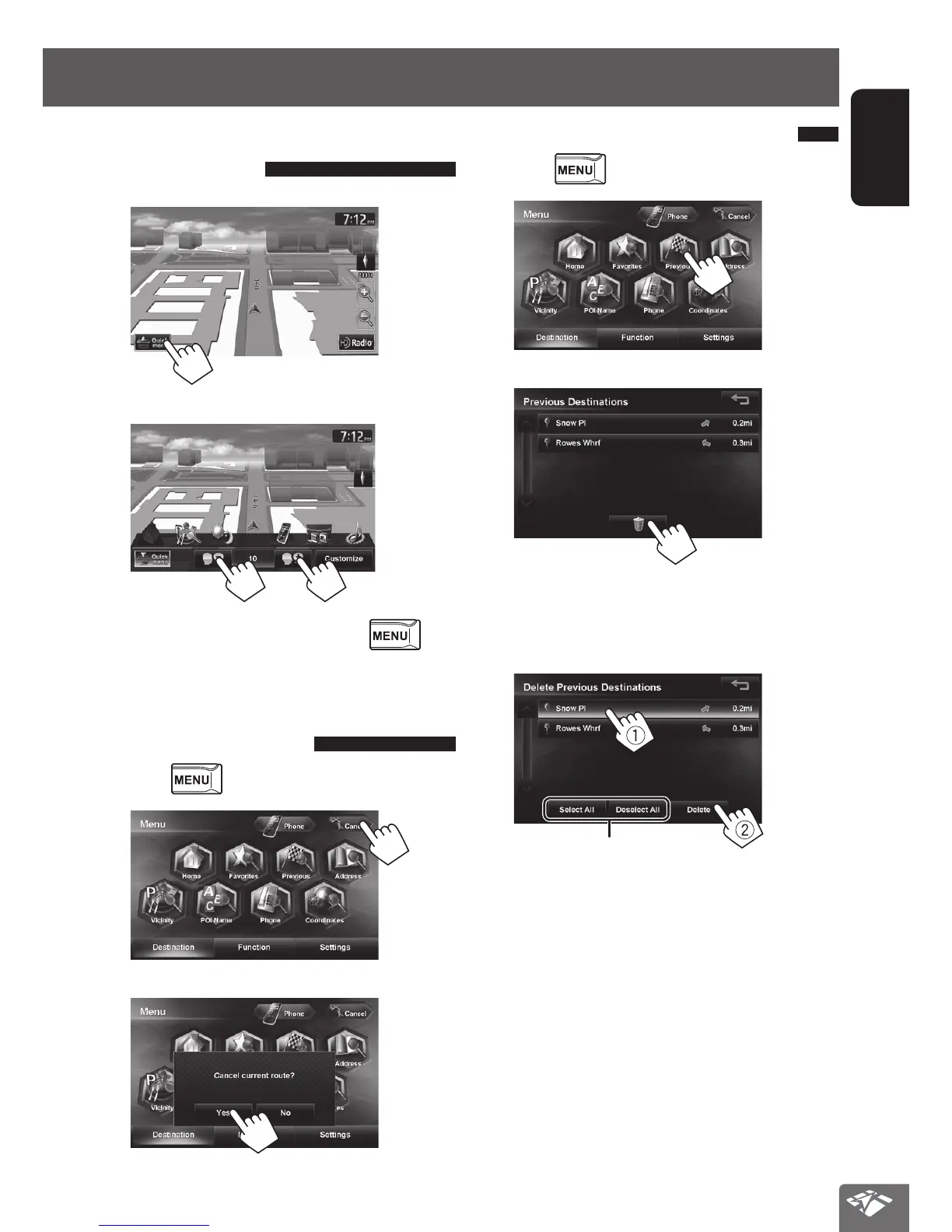
Adjusting the volume of the
voice guidance
1
2
• You can also adjust the volume through
- <Settings> - <Navigation> - <Guide> -
<Guidance Volume>. (☞ page 40)
Canceling guidance
1 Press .
2
3
Delete previous destinations
1 Press .
2
3
4 Select items to delete (1), and delete them
(2).
Selected items are highlighted.
Selects/deselects all items
A confirmation message appears.
EN_KW-NT510HDT_NT310[J].indb 29 11/8/2012 2:49:23 PM



 To Next Page