ENGLISH
14
Switching screens
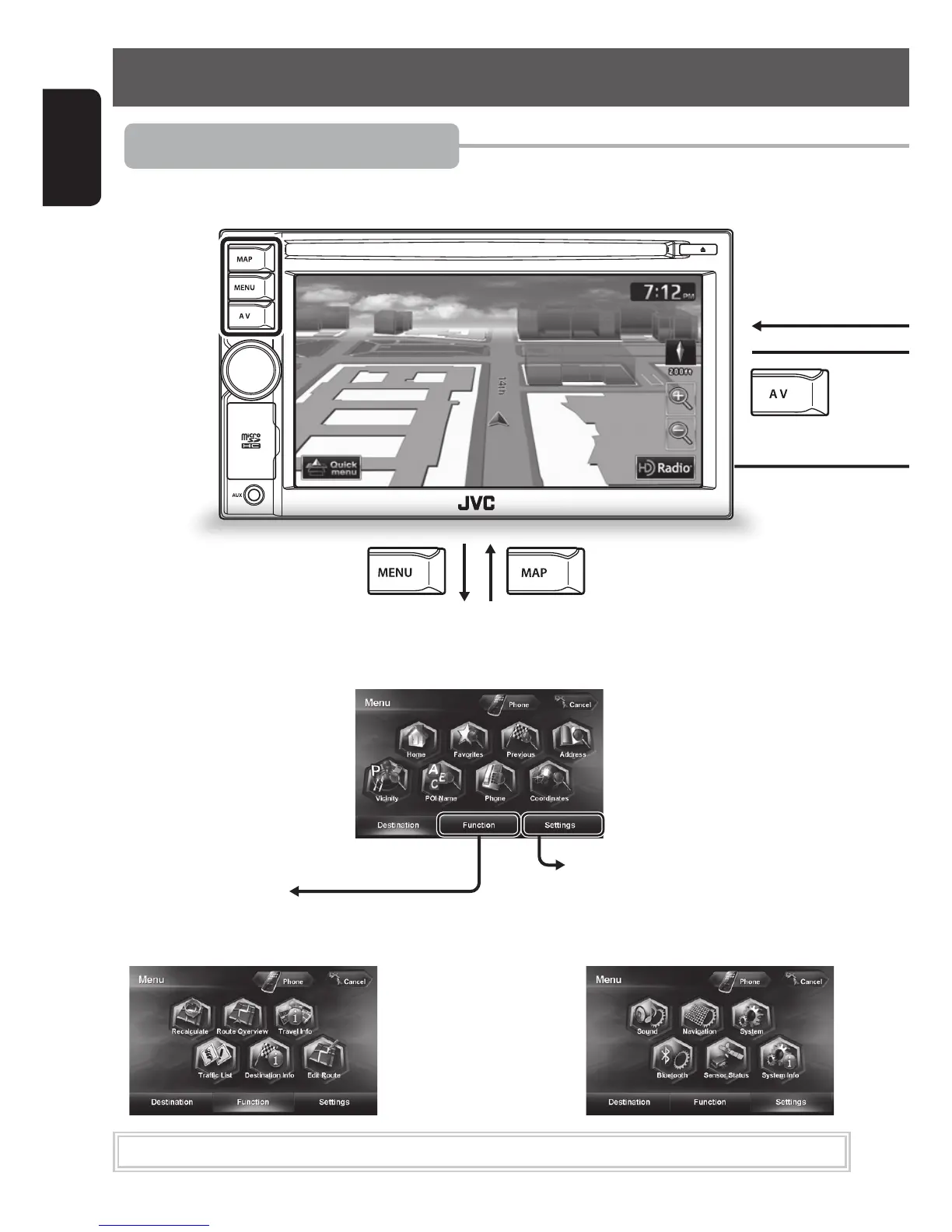
Navigation mode
■ Map screen
■ Function Menu
Use this screen to get information about
your destination and the travel route.
■ Settings Menu
Use this screen to change the detailed
settings and get information about the
navigation system.
■ Destination Menu
Use this screen to search for a destination using one of the available search methods.
While driving at a speed greater than 3 mi (5 km/h), some screens are not available.
EN_KW-NT510HDT_NT310[J].indb 14 11/8/2012 2:49:21 PM



 To Next Page