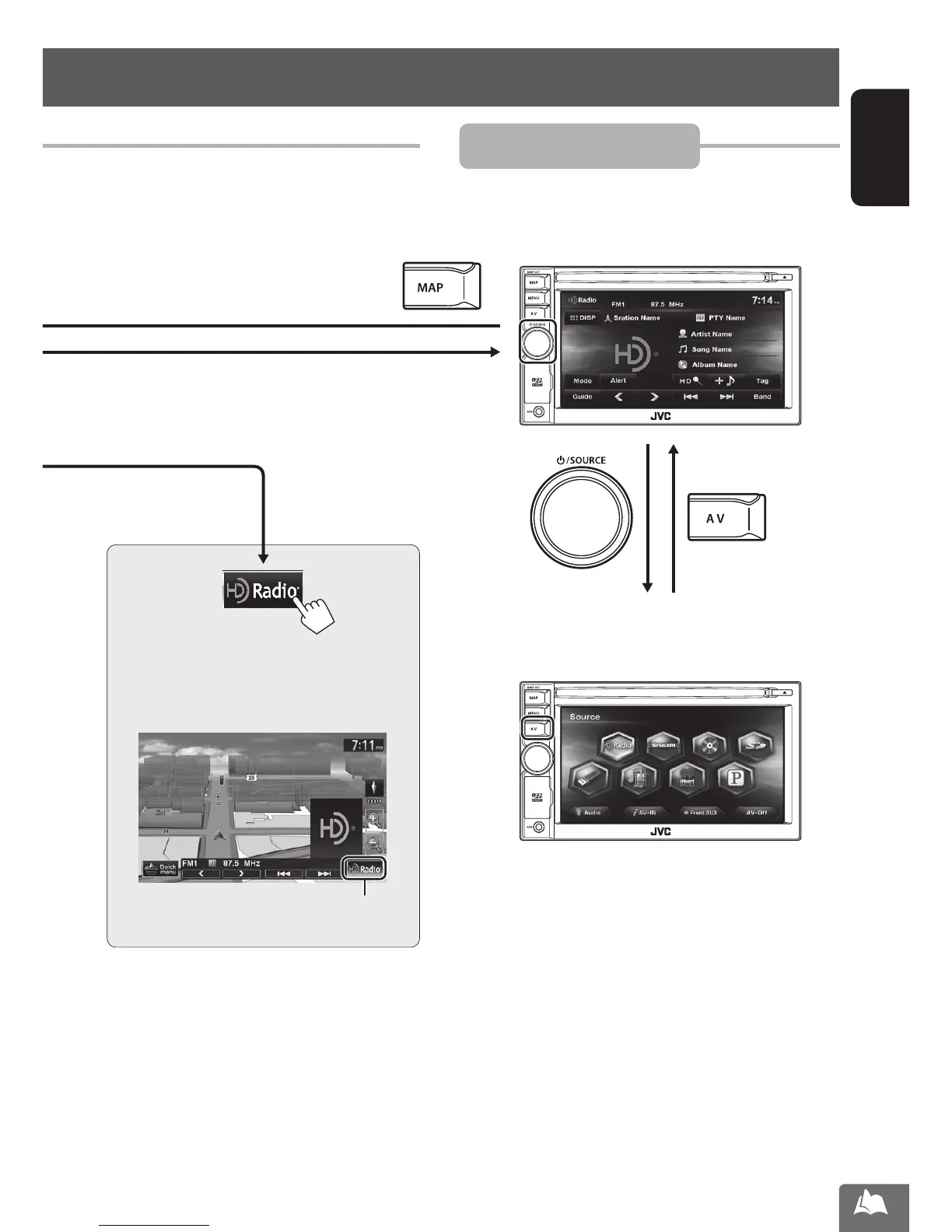
Erases the AV control bar
15
ENGLISH
Switching screens
AV mode
The AV control bar is displayed on the map
screen. You can perform AV source operations
using the AV control bar.
■ AV screen
Displays the screen for the current AV source.
■ Source selection screen
Use this screen to select an AV source.
[Press]
EN_KW-NT510HDT_NT310[J].indb 15 11/8/2012 2:49:21 PM



 To Next Page