91
ENGLISH
Setting the Sound
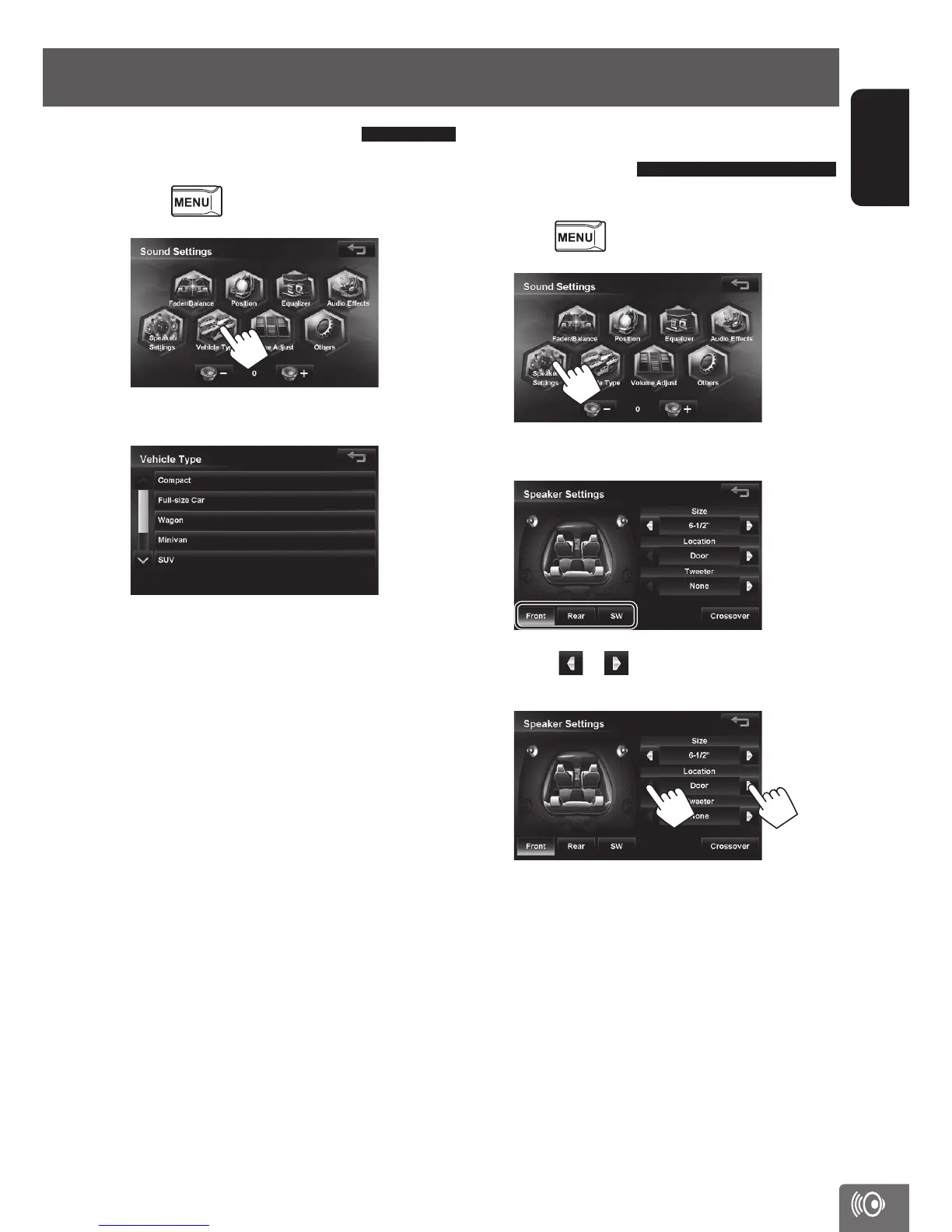
Setting the vehicle type
You can set the vehicle type here.
1 Press - <Settings> - <Sound>.
2
3 Select a vehicle type.
The Digital Time Alignment (DTA) suitable for the
selected vehicle type is set.
If you want to adjust the sound in more detail, set
the listening position. (☞ page 93)
Setting the speaker
configuration
You can set the vehicle’s speaker configuration here.
1 Press - <Settings> - <Sound>.
2
3 Touch a speaker to be set.
4 Touch or next to <Location> to set
the speaker’s position.
EN_KW-NT510HDT_NT310[J].indb 91 11/8/2012 2:49:32 PM



 To Next Page