70
ENGLISH
iPod/iPhone operations
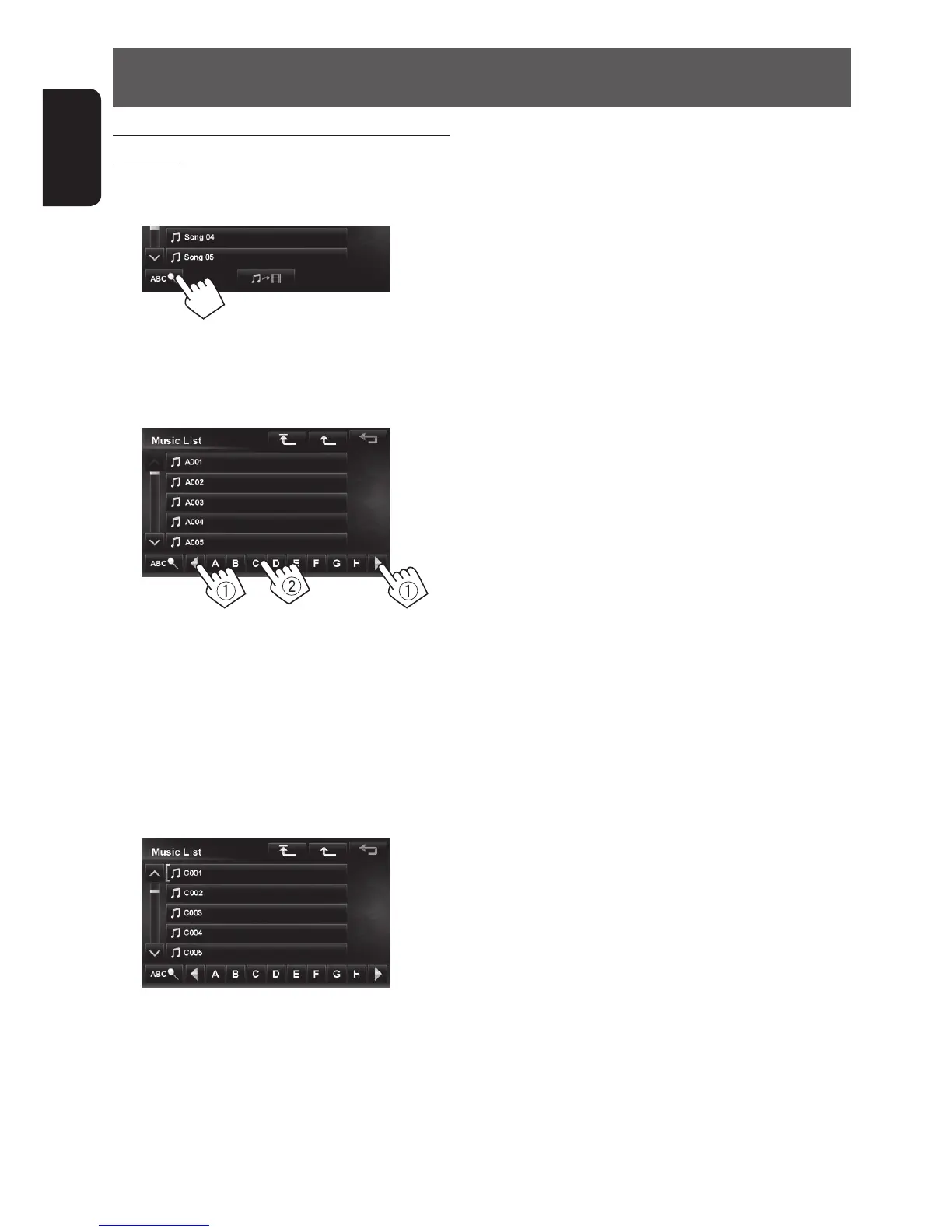
Searching for items in the selected category by
alphabet
1 Press [List].
2
3 Display the first character of the title of the
item you want to search for (1), then search
for an item (2).
Press the character button repeatedly until the
desired item is displayed.
• Only available characters are selectable.
• When selecting other character than the
alphabet, press [#].
4 Select the desired item from the list.
EN_KW-NT510HDT_NT310[J].indb 70 11/8/2012 2:49:29 PM



 To Next Page