74
ENGLISH
iHeartRADIO operations (For iPhone)
Tagging songs and purchasing songs from the
iTunes Store
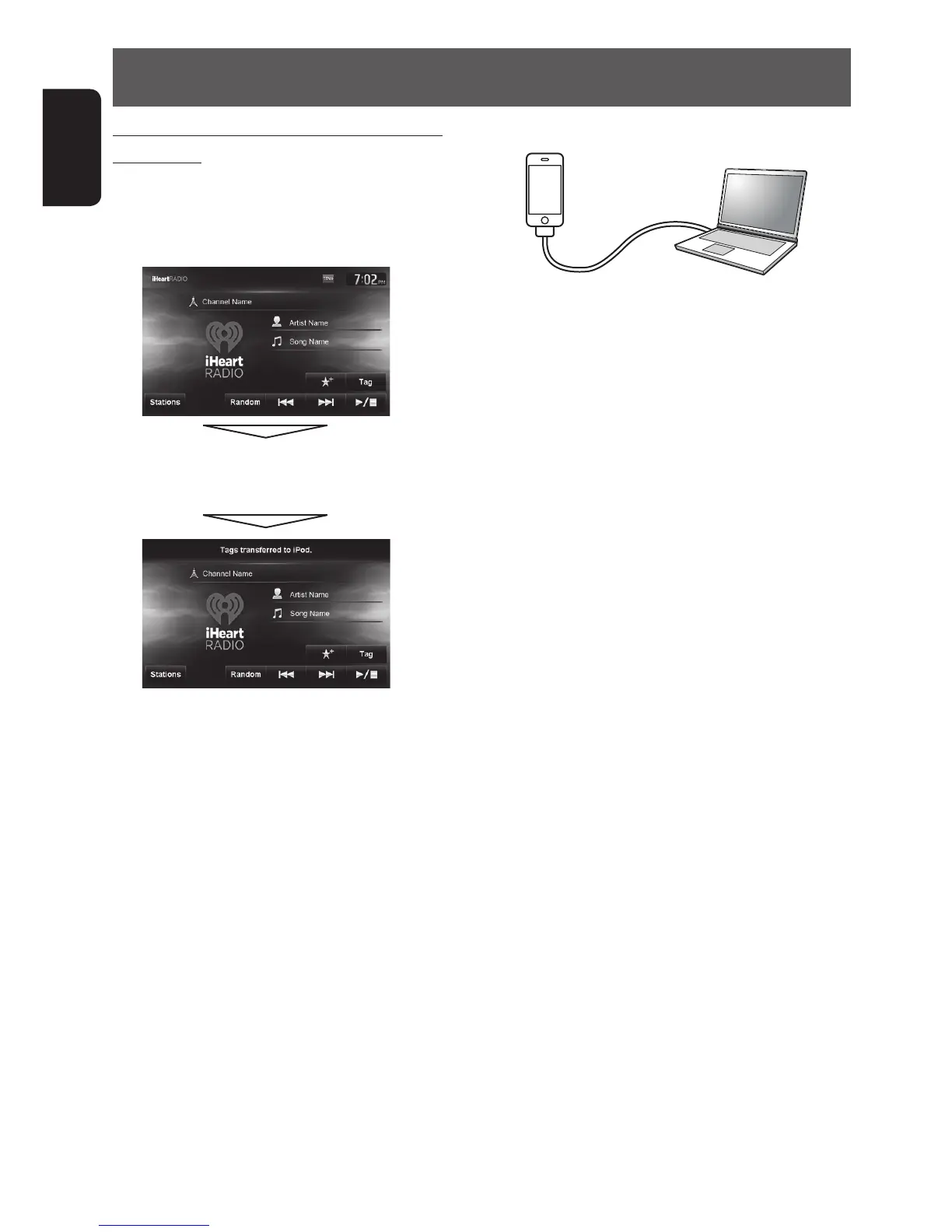
iHeartRADIO provides tag information for each song.
1 Press [Tag].
While listening to a song with tag information:
“Tags transferred to iPod” appears.
The tag information is transferred to iPhone, and
the Tag button is grayed out (is inactive).
2 Purchase the song from the iTunes Store.
1 Connect the iPhone to the computer.
2 Synchronize the iPhone to iTunes.
Tagged information is transferred to the computer
and a list of tagged songs is displayed in iTunes.
After the tag information is transferred, the stored
Tag information are automatically deleted from
the iPhone.
EN_KW-NT510HDT_NT310[J].indb 74 11/8/2012 2:49:30 PM



 To Next Page