ESP32 Starter Kit
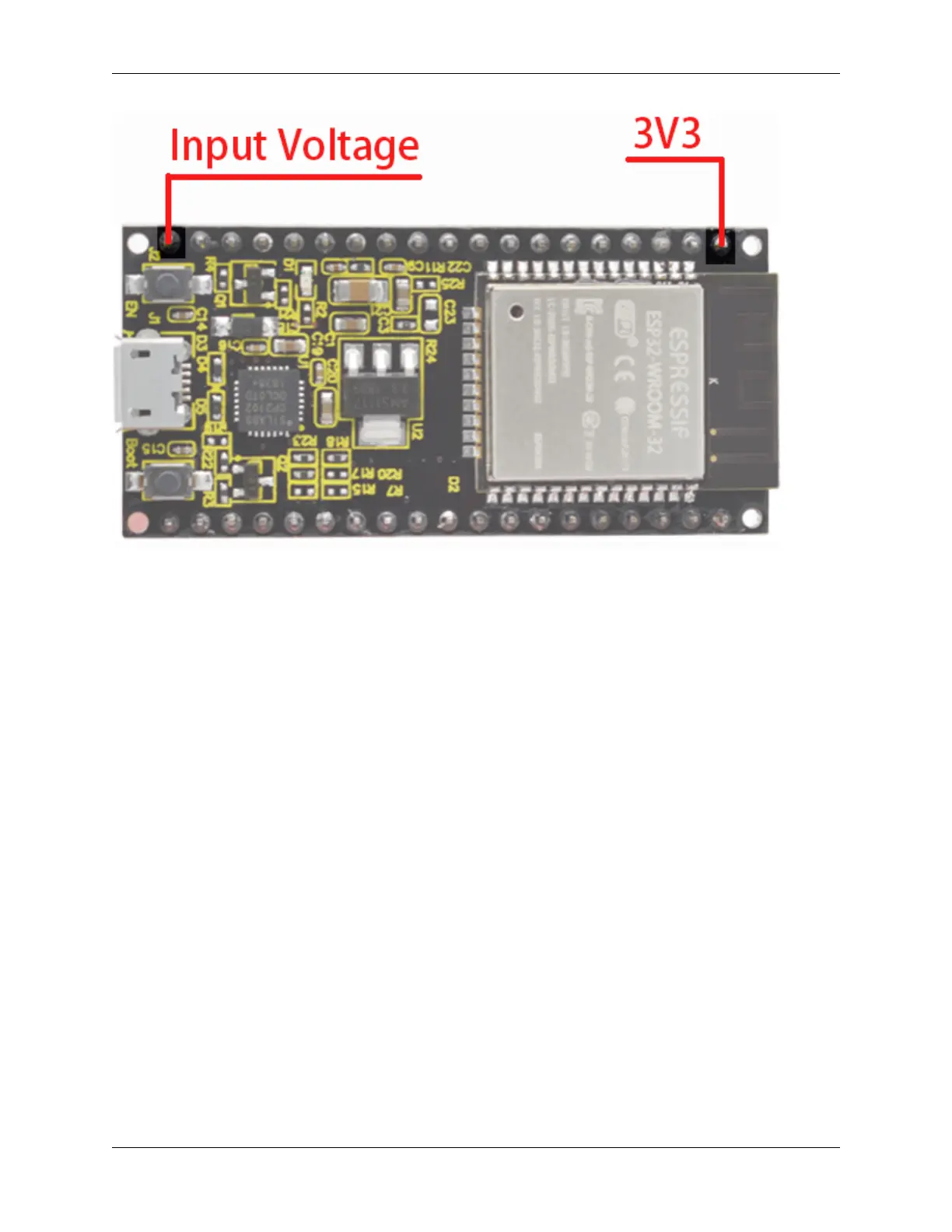
** GND Pins**The module has three grounded pins.
Enable pin (EN) : This pin is used to enable and disable modules. The pin enables module at high level and disables
module at low level.
Input/Output pins (GPIO) : You can use 32 GPIO pins to communicate with LEDs, switches and other input/output
devices. You can also pull these pins up or down internally.
Note: Though GPIO6 to GPIO11 pins (SCK/CLK, SDO/SD0, SDI/SD1, SHD/SD2, SWP/SD3 and SCS/CMD pins)
are used for SPI communication for the internal module, which are not recommended.
ADC: You can use the 16 ADC pins on this module to convert analog voltages (the output of some sensors) into
digital voltages. Some of these converters are connected to internal amplifiers and which are capable of measuring
small voltages with high accuracy.
DAC: ESP32 module has two A/D converters with 8-bit precision.
Touch pad: There are 10 pins on the ESP32 module that are sensitive to capacitance changes. You can attach these
pins to certain PCB’s pads and use them as touch switches.
SPI: There are two SPI interfaces on the module, which can be used to connect the display screen, SD/microSD
memory card module as well as external flash memory.
I2C: SDA and SCL pins are used for I2C communication.
Serial Communication (UART) : There are two UART serial interfaces on this module, which can be used to transfer
up to 5Mbps of information between two devices . The UART0 also has CTS and RTS control functions.
PWM: Almost all ESP32 input/output pins can be used for PWM (pulse-width modulation). Using these pins can
control motors, LED lights and colors.
8 Chapter 3. 3.Pin out



 To Next Page