ESP32 Starter Kit
(continued from previous page)
//Read the signal from the sensor: a high level pulse
//Duration is detected from the point sending "ping" command to the time receiving␣
˓→echo signal (unit: um).
float distance = pulseIn(EchoPin, HIGH) / 58.00; //Convert into distance
delay(10);
return distance; //Return the diatance value
}
void setup() {
Serial.begin(9600);//Set the baud rate to 9600
pinMode(TrigPin, OUTPUT);//Set Trig pin to output
pinMode(EchoPin, INPUT); //Set Echo pin to input
}
void loop() {
distance = checkdistance(); //Assign the read value to "distance"
if (distance < 4 || distance >= 400) { //Display "-1" if exceeding the detection␣
˓→range
distance = -1;
}
Serial.print("ditance: ");
Serial.print(distance);
Serial.println(" CM");
delay(200);
}
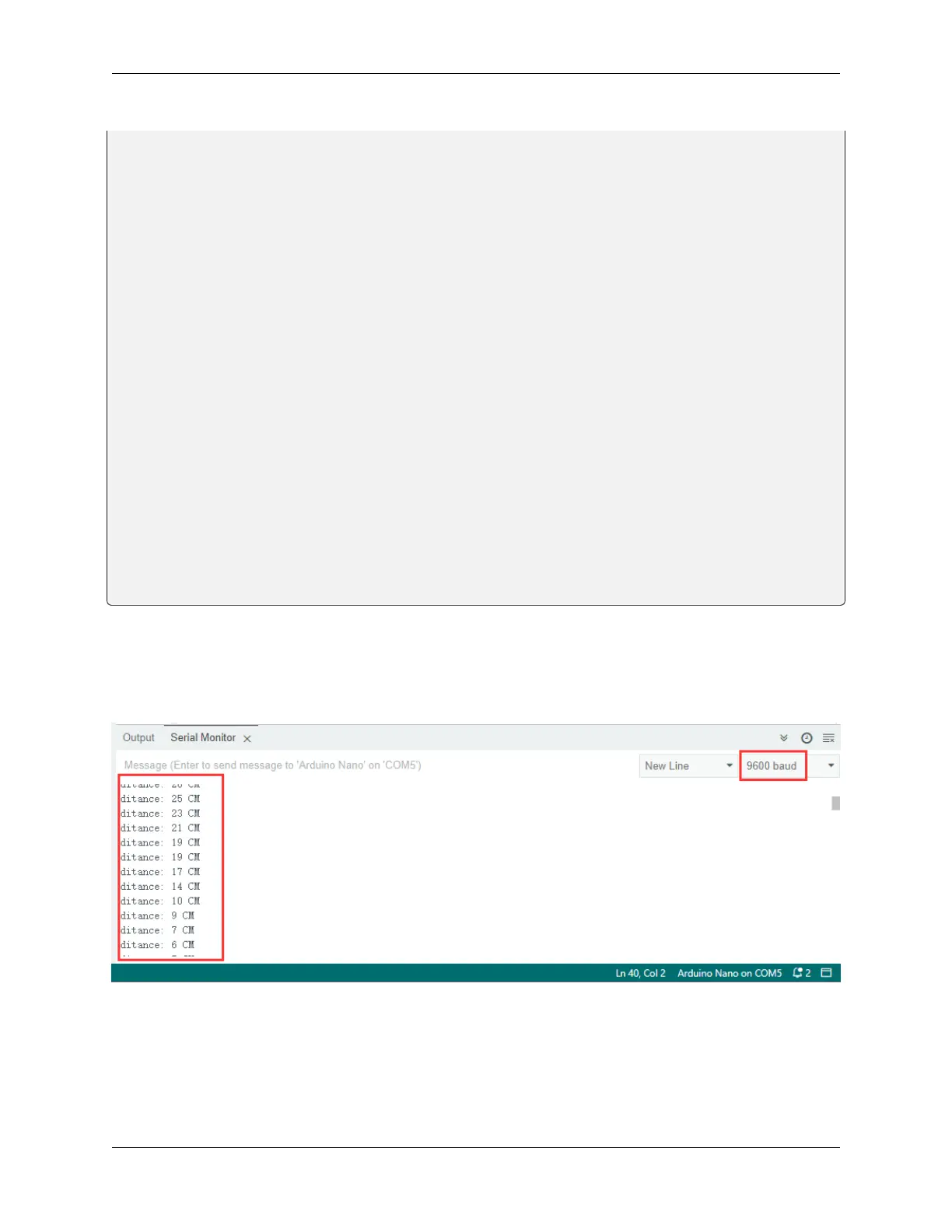
5. Test Result
After connecting the wiring and uploading code, open serial monitor to set baud rate to 9600, the serial port prints the
distance value.
8.5. Arduino Project 137



 To Next Page