ESP32 Starter Kit
5. Test Result
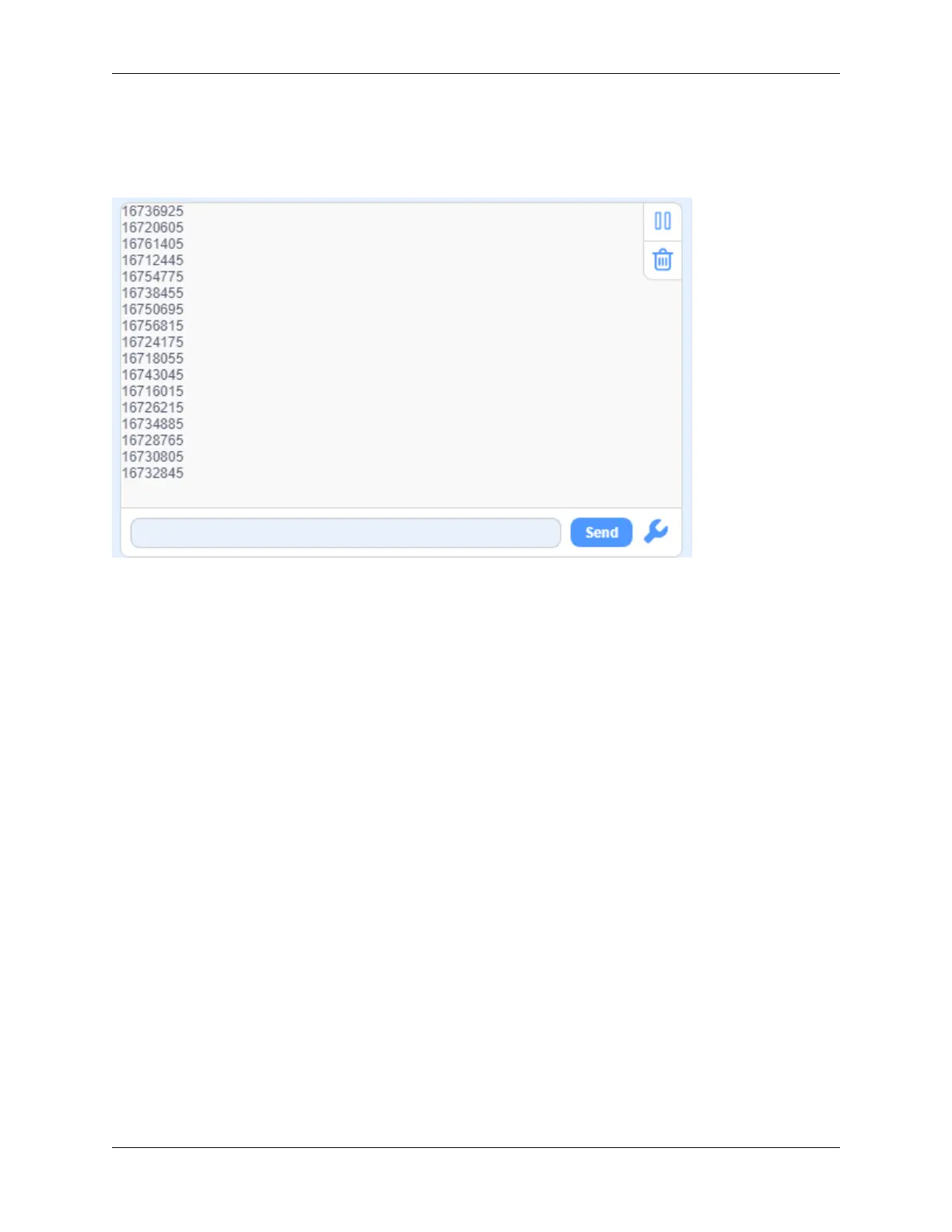
After connecting the wiring and uploading code, open the serial monitor and set the baud rate to 9600. Press the button
on the remote control unit, and you will see the value in hexadecimal.
6. Expansion Code
In this expansion code, we will make a light controlled by an IR remote switch. Press OK to light up the LED and press
it again to turn it off.
To realize this repeatable operation, the variable “item” is essential in the whole code. For the first time, item = 0 so
codes in “else” run to assign 1 as its new value. For the second time when item = 1, however, “if” block executes to
reassign to 0, alternatively.
Wiring Diagram:
9.2. Scratch Project 331



 To Next Page