ESP32 Starter Kit
(continued from previous page)
Serial.begin(9600); // Initialize the serial port and set the baud rate to 9600
irrecv.enableIRIn(); // start receiving signals
}
void loop() {
if (irrecv.decode(&results)) {
ir_rec = results.value; //assign the signal to the variable ir_rec
if(ir_rec != 0){ //Prevente the code from repeating execute when the␣
˓→button is pressed
Serial.print(ir_rec, HEX); //Print the variable ir_rec in hexadecimal
Serial.println();//Wrapping lines
}
irrecv.resume(); //Release the IR remote and receive the next value.
}
}
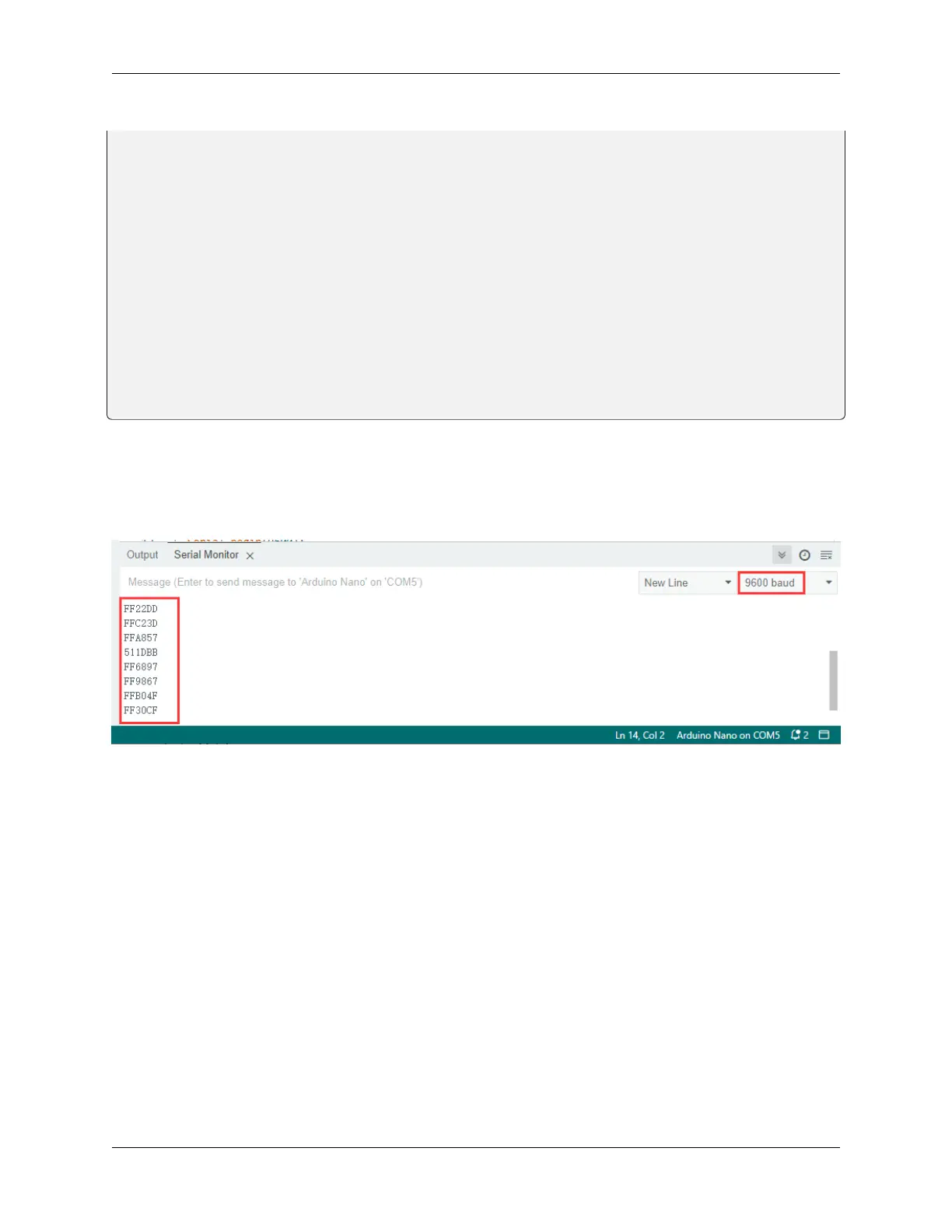
5. Test Result
After connecting the wiring and uploading code, open the serial monitor and set the baud rate to 9600. Press the button
on the remote control, and you will see the value in hexadecimal.
6. Knowledge Expansion
Next, we will use an IR remote control to control the LED. Press OK to light up the LED and press again to turn it off.
Wiring Diagram
8.5. Arduino Project 155



 To Next Page