ESP32 Starter Kit
(continued from previous page)
// Clear the display
lc.clearDisplay(0);
}
void loop(){
for(int i=0; i < 8; i++){
lc.setRow(0,i,IMAGES[i]);
}
}
5. Test Result
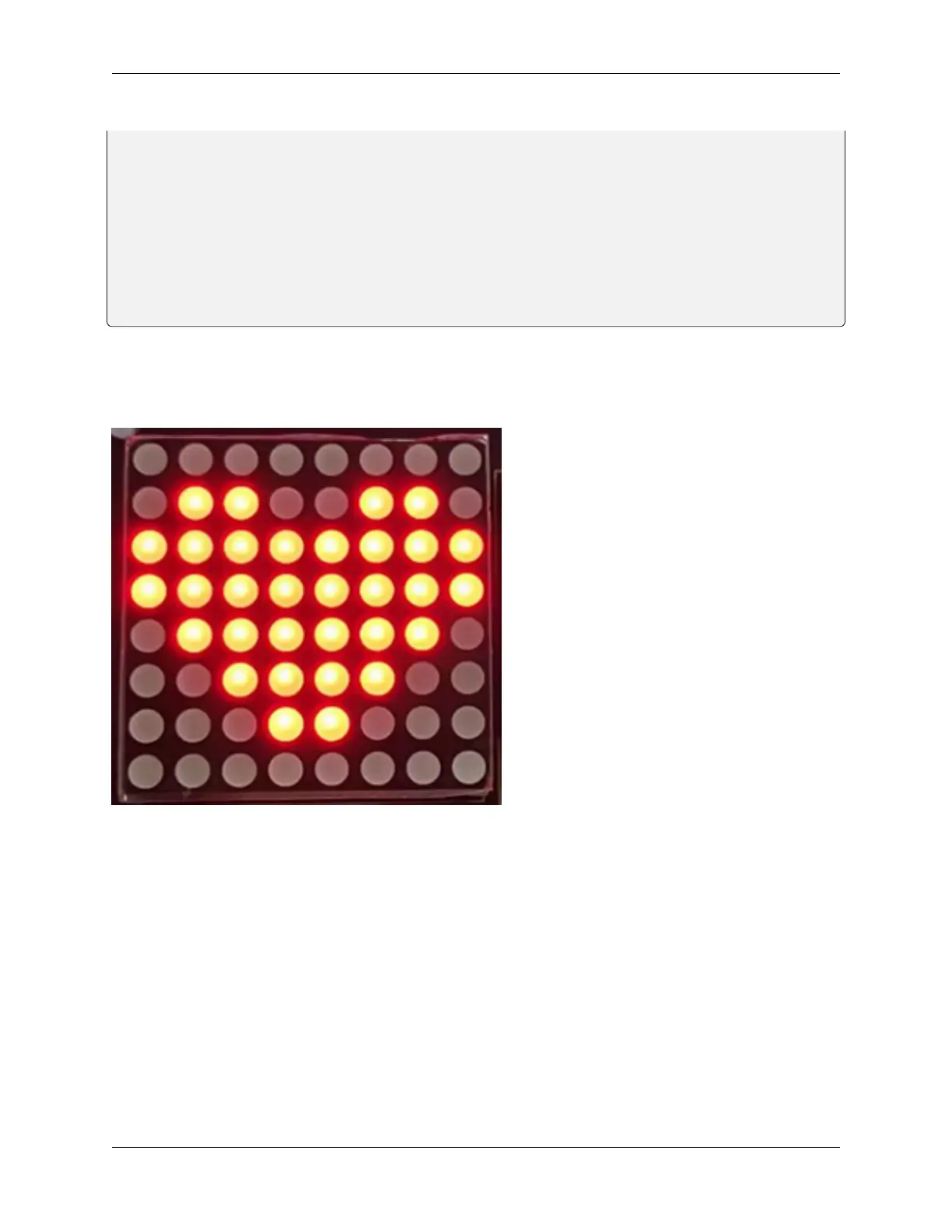
After connecting the wiring and uploading code, a heart will be displayed on the dot matrix, as shown below.
6. Code Explanation
lc.shutdown(0,false); Select the state of power saving mode, with false for exiting and true for entering. It will not
display anything if entering this mode.
lc.setIntensity(0,8); Set the range of brightness intensity to level 0-8, among which 8 is the brightest.
lc.clearDisplay(0); Clear the pattern displayed on the dot matrix.
lc.setRow(0,i,IMAGES[i]); It is a dot matrix display function, the first parameter is the address of the display we set
to 0, the second parameter is the display line, we use for loop variable (0-7), the third parameter is to set the value of
the dot call array displayed in the dot matrix row.
80 Chapter 8. Arduino Tutorial



 To Next Page