ESP32 Starter Kit
5. Test Result
After connecting the wiring and uploading code, press green button to add 1, yellow to minus 1, and red to reset.
6. Code Explanation
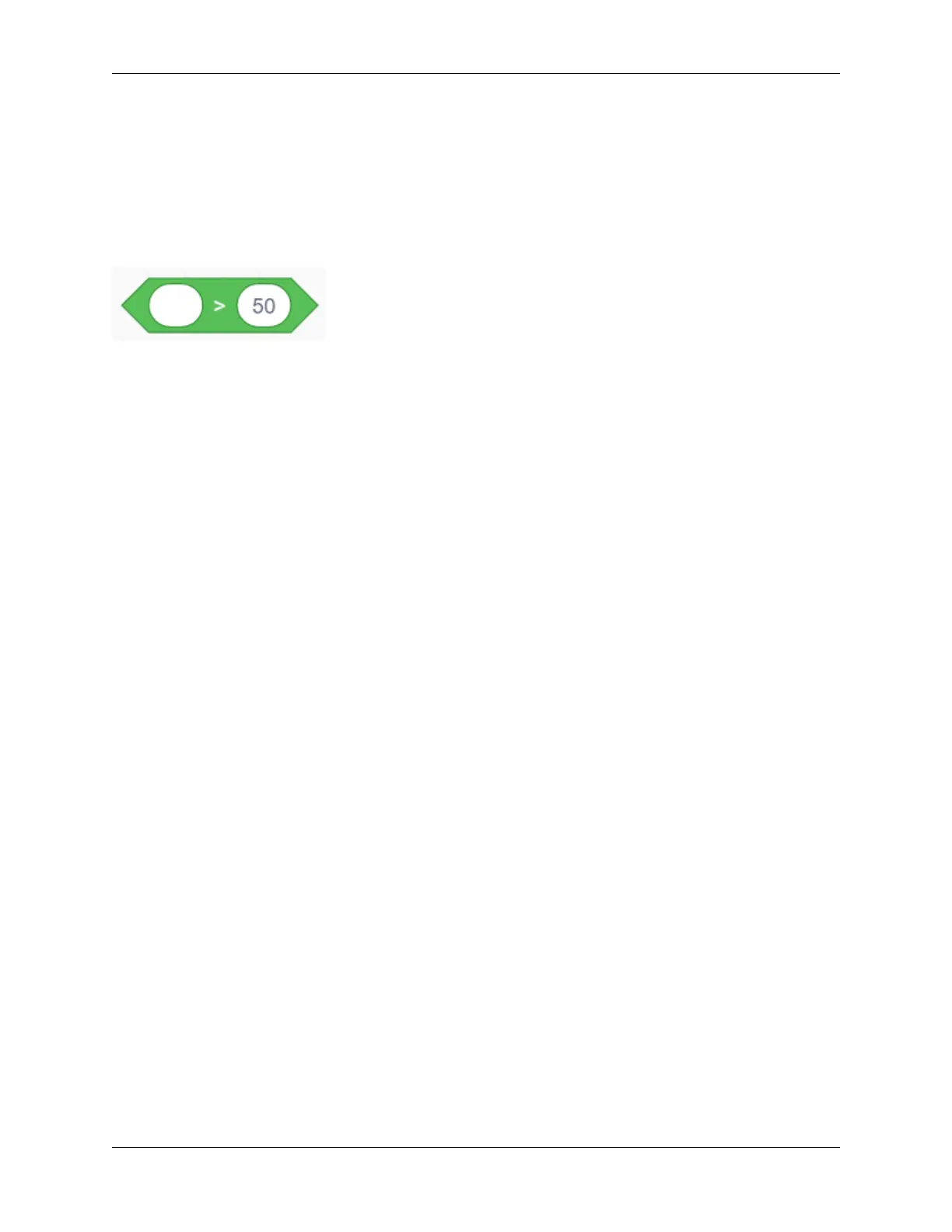
“>” block is used for judgment between two values. These two blanks can be replaced with either numbers or variables.
9.2.18 Project 15: Responder
1. Description
This programmable responder inputs and receives signals through Arduino development board and a group of buttons,
and it judges the correctness of answers via a LED. It is a good object to exercise students’ reaction ability and draw
their attention to questions. If the answer is correct, the respondent obtains a lot scores.
Moreover, it simplifies teachers’ manipulation of question-grabbers and cuts answer clutters. It may even stimulate
students’ interests in learning.
9.2. Scratch Project 241



 To Next Page