ESP32 Starter Kit
5. Test Result
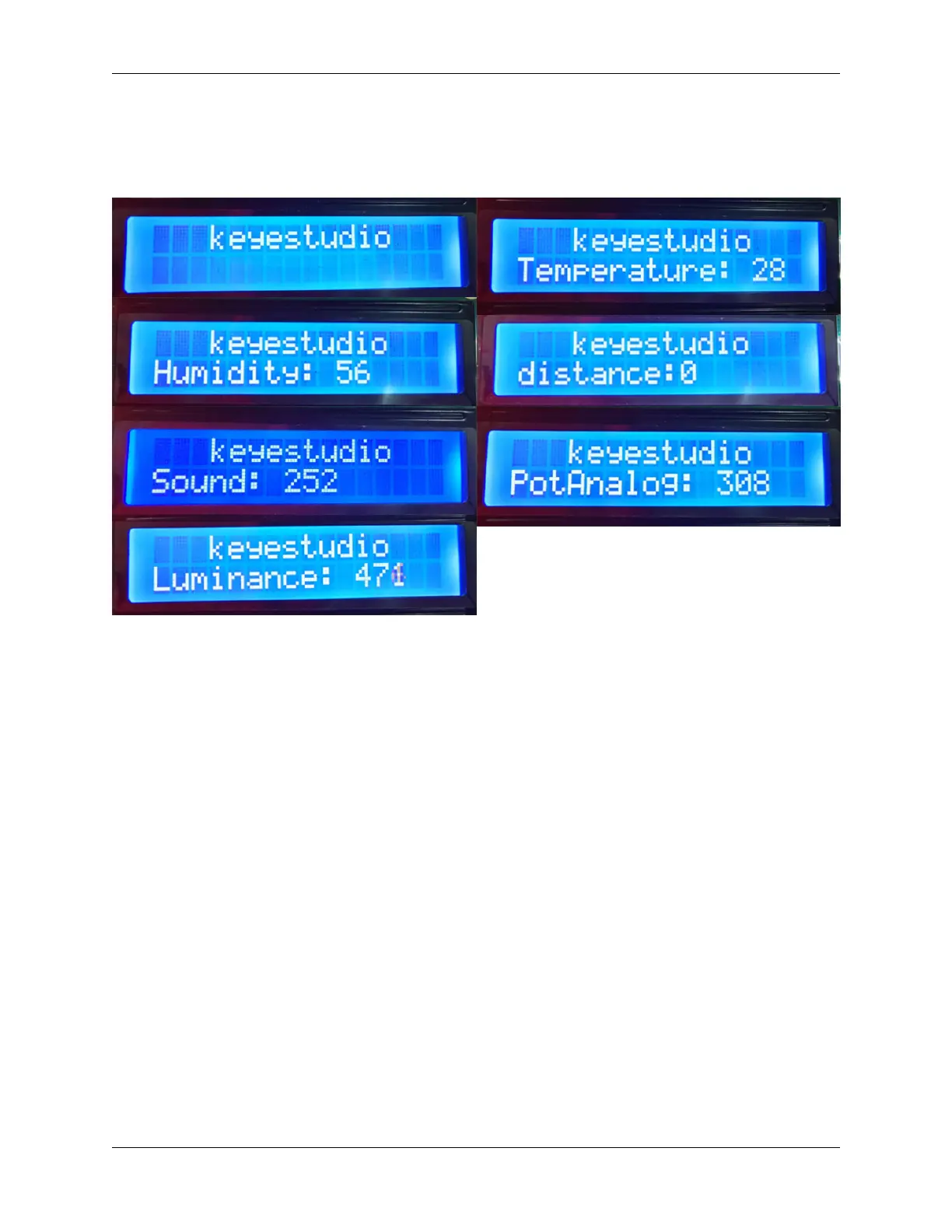
After connecting the wiring and uploading code, we can see the corresponding contents on LCD by pressing buttons.
OK button clears the sensor display.
6. Code Explanation
The blocks are so many that we adopt “Make a Block” function. By doing this, numerous blocks are packaged and can
be directly recalled, which vastly simplify the whole program.
Click “My Block” to make a self-defined block, and you may build your own code blocks.
9.2. Scratch Project 339



 To Next Page