ESP32 Starter Kit
(continued from previous page)
Serial.print("RH:");
Serial.print(dat[0]); //The integral part of humidity,dht[1] is the decimal part
Serial.print("% ");
Serial.print("Temp:");
Serial.print(dat[2]); //The integer part of the temperature,dht[3] is the decimal␣
˓→part
Serial.println("C");
} else { //Read error
Serial.println("sensor error");
}
delay(1500); //Delay 1500ms
}
5. Test Result
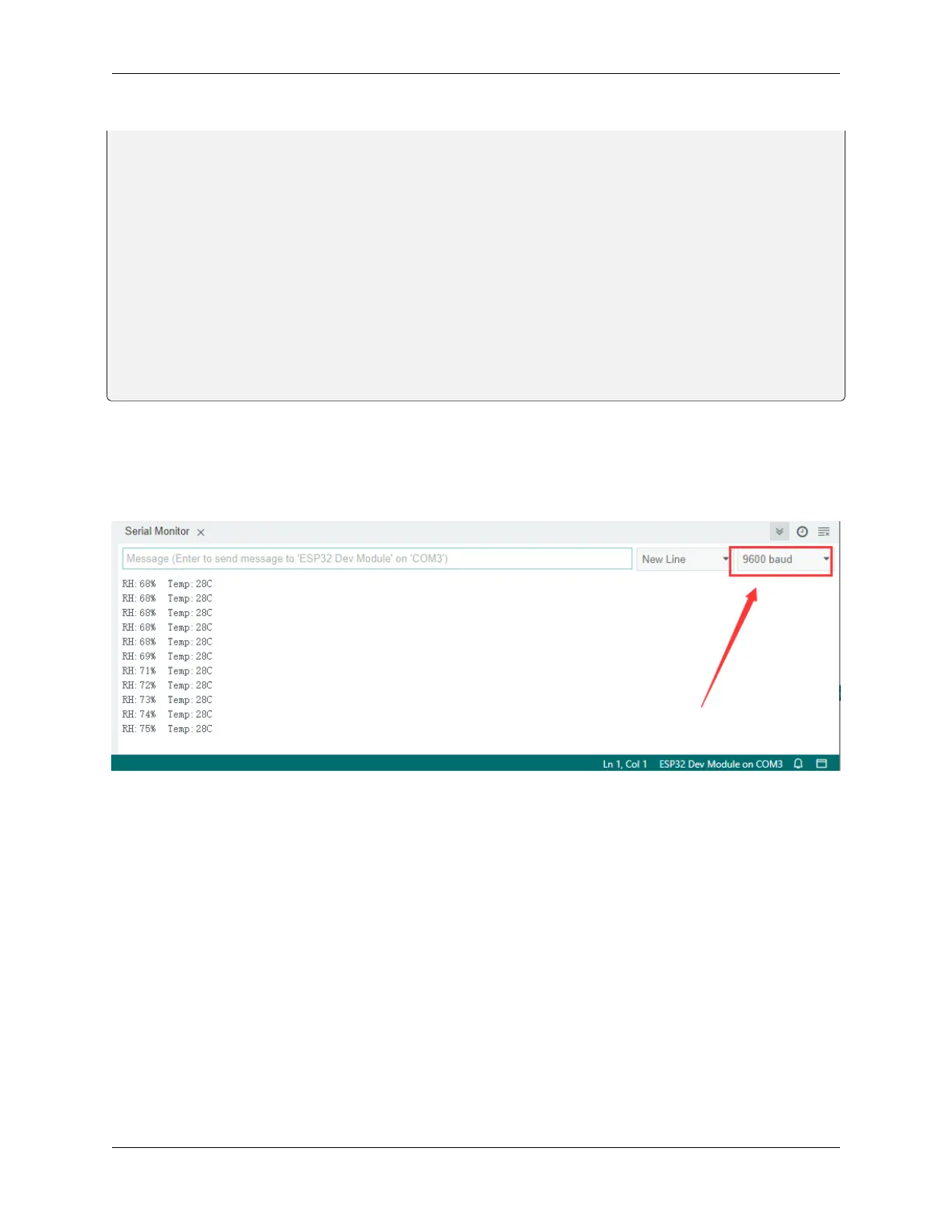
After connecting the wiring and uploading code, open serial monitor to set baud rate to 9600, and the temperature and
humidity value will be displayed.
6. Knowledge Expansion
Now, we will make a smart cup which can show liquid temperature. We divide 100 into four parts with an LED, as
shown below: **Red LED: ** 100-75°C **Yellow LED: ** 75-50°C **Green LED: ** 50-25°C Blue LED: 25-0°C
Wiring Diagram
130 Chapter 8. Arduino Tutorial



 To Next Page