ESP32 Starter Kit
(continued from previous page)
˓→lines
}
5. Test Result
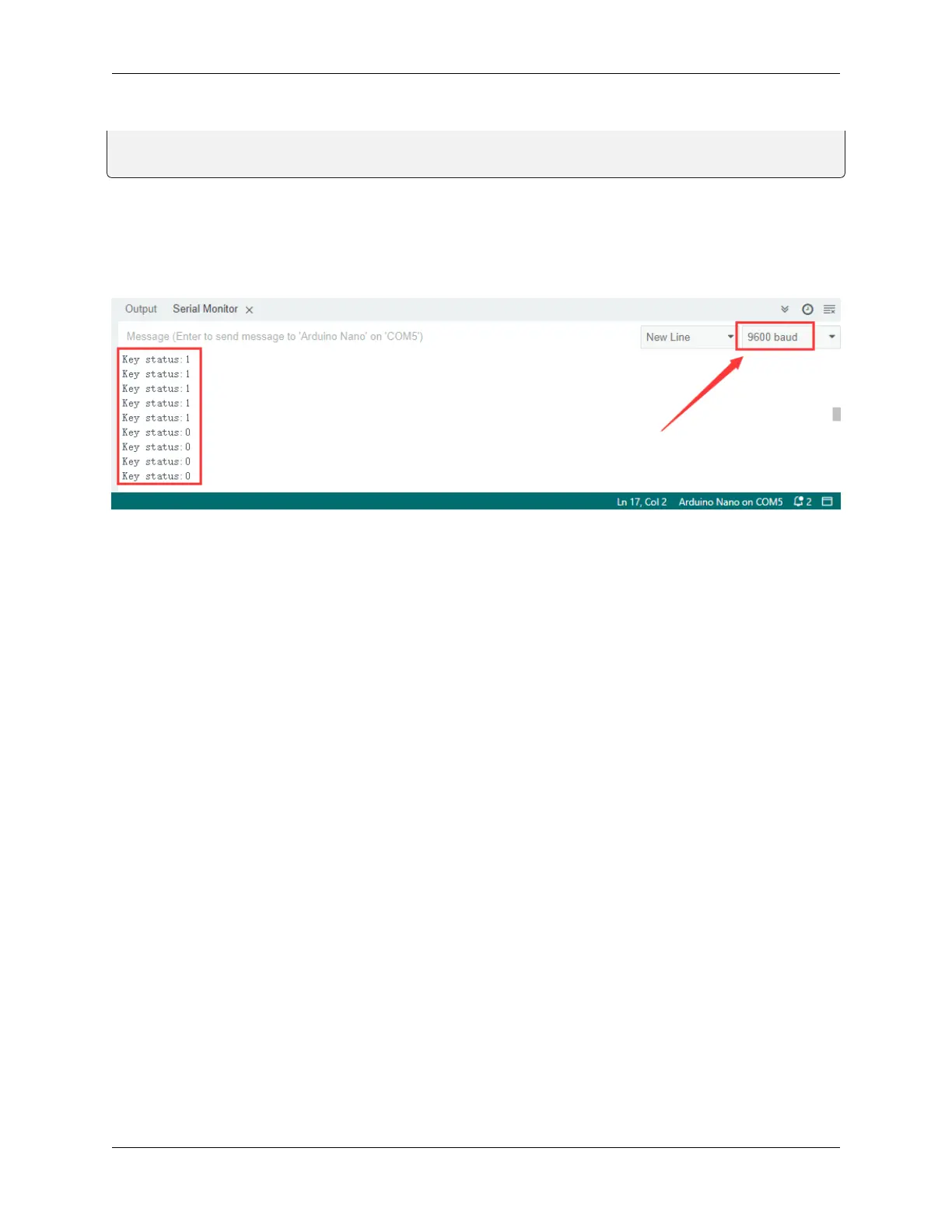
After connecting the wiring and uploading code, open the serial monitor and set the baud rate to 9600. When we press
the button, serial port prints “Key status: 0”; When we release it, serial port prints “Key status: 1”.
6. Knowledge Expansion
Next, we will control the LED through the state of buttons.
Flow Chart
8.5. Arduino Project 89



 To Next Page