ESP32 Starter Kit
7. Code Explanation
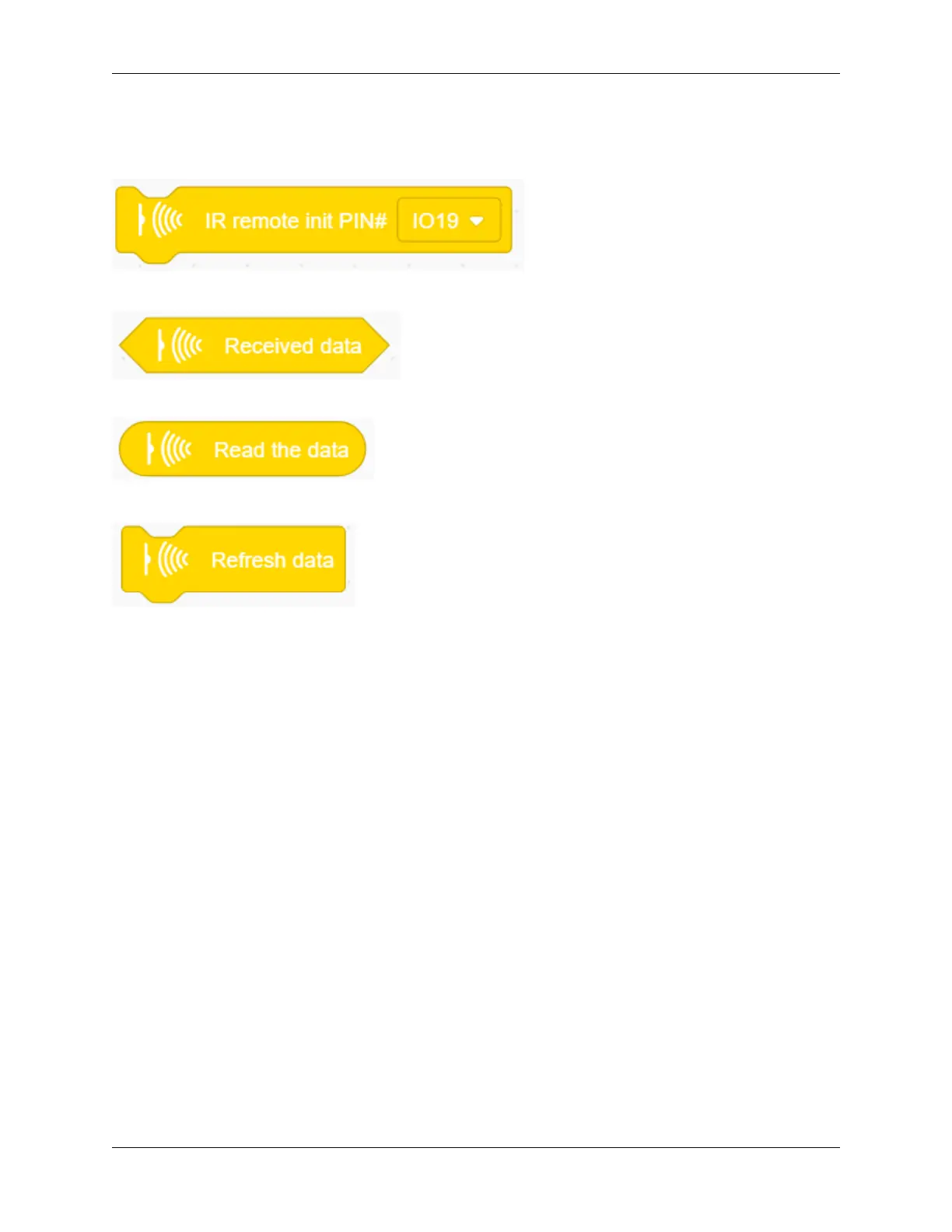
1. Initialize the IR remote module after setting its receiving pin.
2. .Judge whether the sensor has received data. If so, related code blocks will run.
3. Read the received data from IR remote control.
4. Refresh the received data after each complete receiving execution.
9.2.33 Project 30: Smart Home
1. Description
In this technology era, we are all familiar with smart home. It is a system that can control electric appliance via buttons.
In this project, we seek to stimulate a smart home via an IR remote control. With Arduino MCU as its core, it can be
used to control light, air conditioners, TV and security monitors.
334 Chapter 9. Scratch Tutorial



 To Next Page