ESP32 Starter Kit
5. Test Result
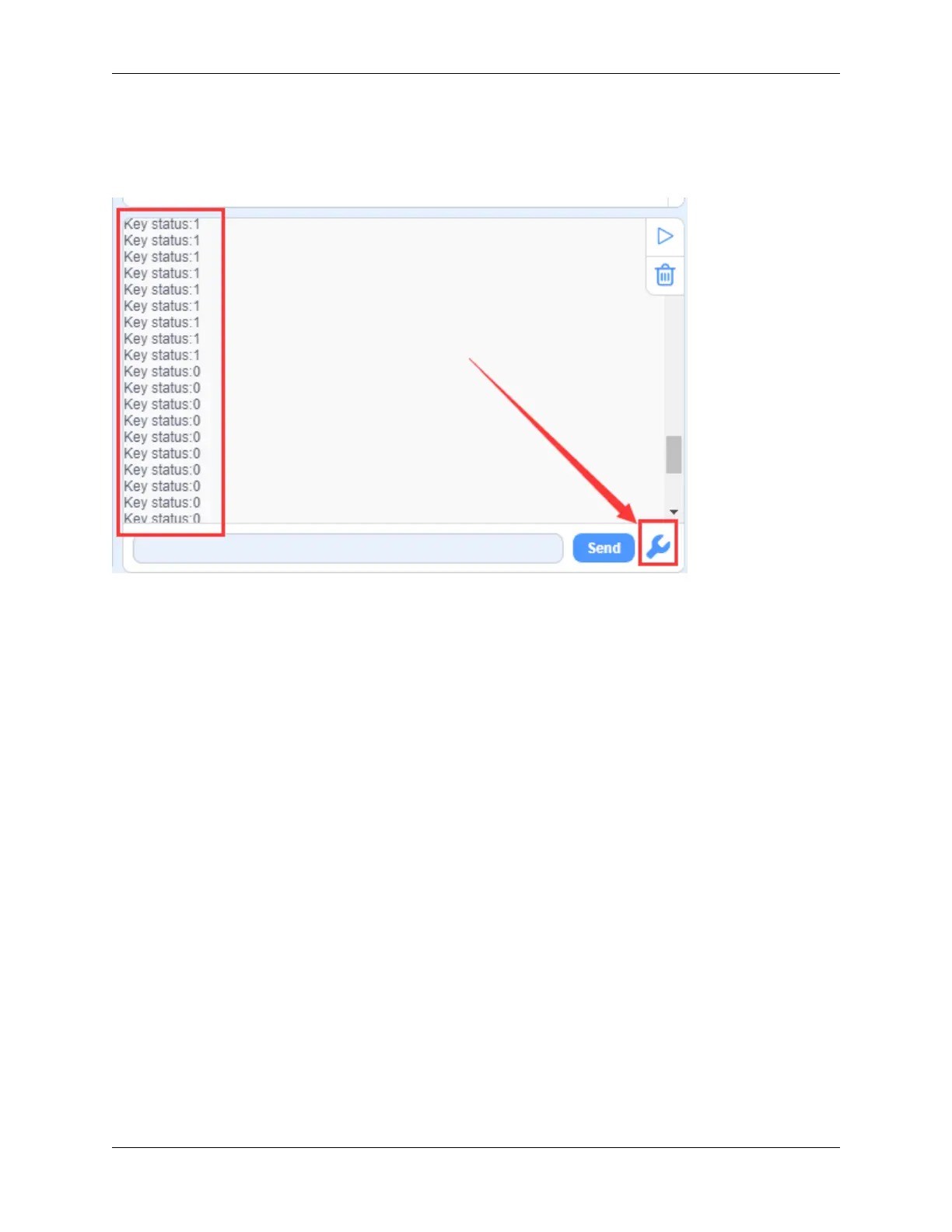
After connecting the wiring and uploading code, open the serial monitor and set the baud rate to 9600. When we press
the button, serial port prints “Key status: 0”; When we release the button, serial port prints “Key status: 1”.
6. Knowledge Expansion
Next, we will control the LED through the state of buttons.
Flow Chart
230 Chapter 9. Scratch Tutorial



 To Next Page