ESP32 Starter Kit
(continued from previous page)
lcd.print("keyestudio!"); //LCD displays "keyestudio!"
}
void loop()
{
}
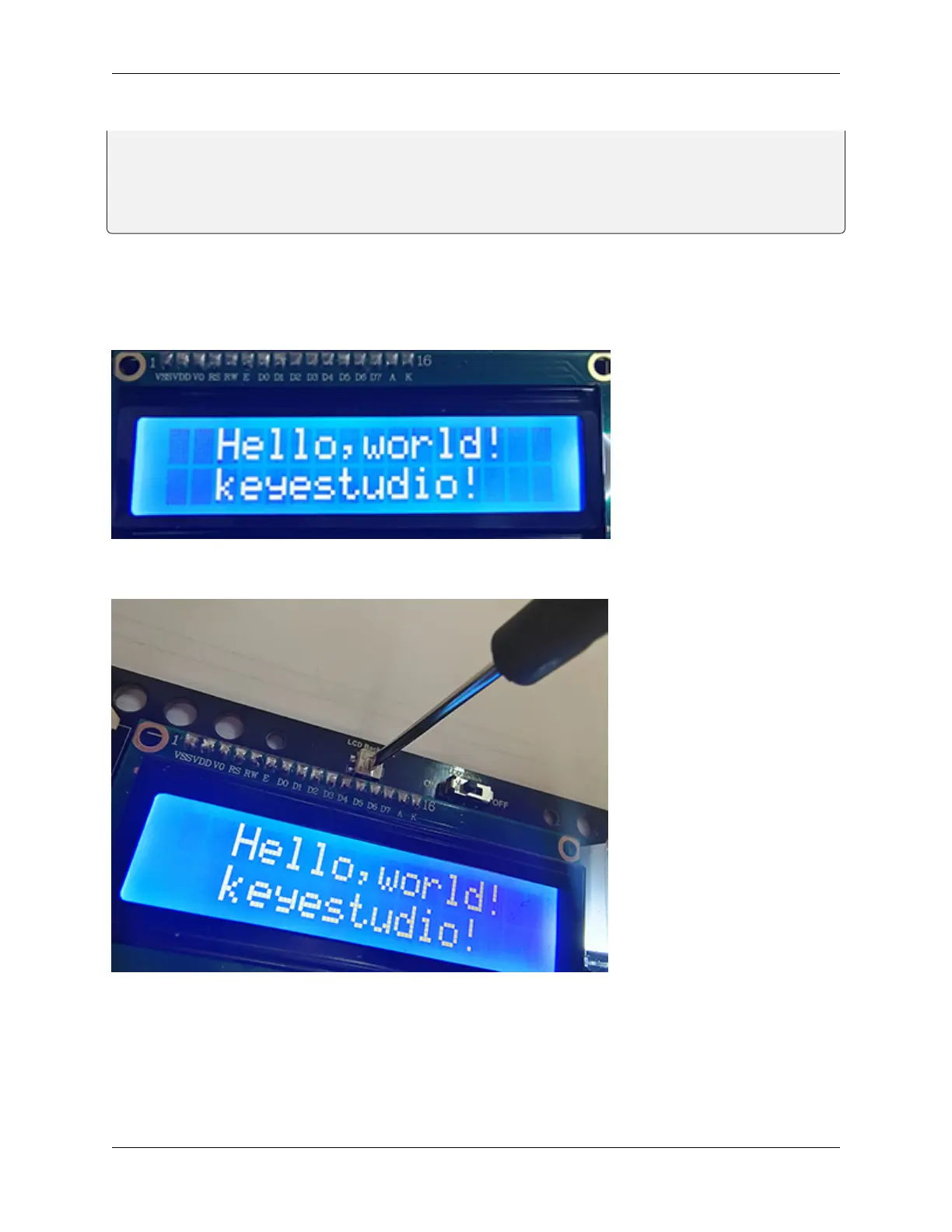
5. Test Result
After connecting the wiring and uploading code, turn on the LCD, “Hello, world!” and “keyestudio!” will be displayed
on the LCD.
If the characters are unclear, please fix the backlight potentiometer by the small slotted screwdriver(Please use appro-
priate force to adjust. Connect an external power supply if necessary.
8.5. Arduino Project 83



 To Next Page