EN UG-020 Link 6 user guide r1.0 225
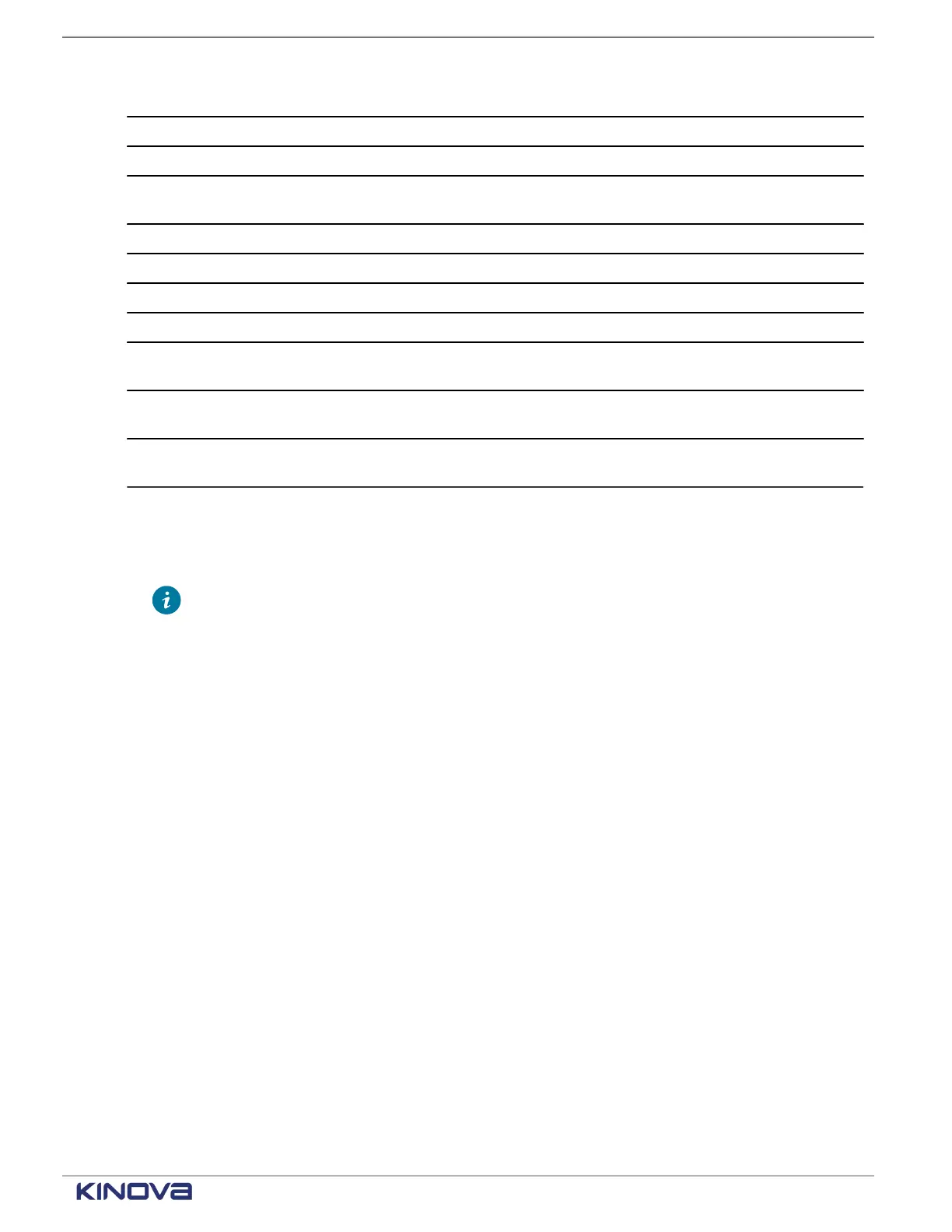
Status Not addressable by users Addressable by users
Self-collision detected x
Collision detected x
Safety parameters checksum
mismatch
x
Hard Stop command failed x
Singularity error detected x
Joint limit position x
Joint tracking error x
Joint 1-6 motor temperature too
high
x
Joint 1-6 core temperature too
high
x
Serial number mismatch between
arm and calibration file
x
When you are not able to intervene with a status, you can attempt to recover on your own before
contacting support.
1. Take note of the exact error along with the conditions that seem to have triggered it.
Tip: When a fault triggers, a message launches in KortexWebApp that provides
information.
• Name of the fault
• Error code
• Explanation of what can trigger the fault
• What can be done to fix the problem
2. Reboot the controller.
3. Re-install the firmware update package (SWU) if the error persists.
4. If the problem persists, contact support at support@kinova.ca.
Related topics
Protection zones on page 69
Firmware update
What does Firmware update monitor?
Firmware update failure monitors whether the latest firmware uploaded to the robot is installed
properly.
Causes of the trigger
• Communication is faulty when the SWU package is uploaded to the robot.
• Firmware is corrupted during its initial download from the Kinova Artifactory server.
Procedure
1. Download the latest version of the firmware from our Artifactory server.
+1 514-277-3777 kinovarobotics.com
© 2022 Kinova inc. All rights reserved.



 To Next Page