EN UG-020 Link 6 user guide r1.0 25
Use the Ethernet connector in the front of the controller to connect to a laptop or computer.
Note: Alternatively, use the Ethernet connector on the back of the controller.
USB port
Use the port to insert a USB key that contains data that must be pushed onto the controller, such
as a new software unit package.
4
Use the port to insert a USB key to store files that must be retrieved from the controller, such as
an exported program.
TP connector5
Plug the teach pendant into the connector marked TP to connect to the controller.
ARM connector6
Plug the arm into the connector marked ARM to connect it to the controller.
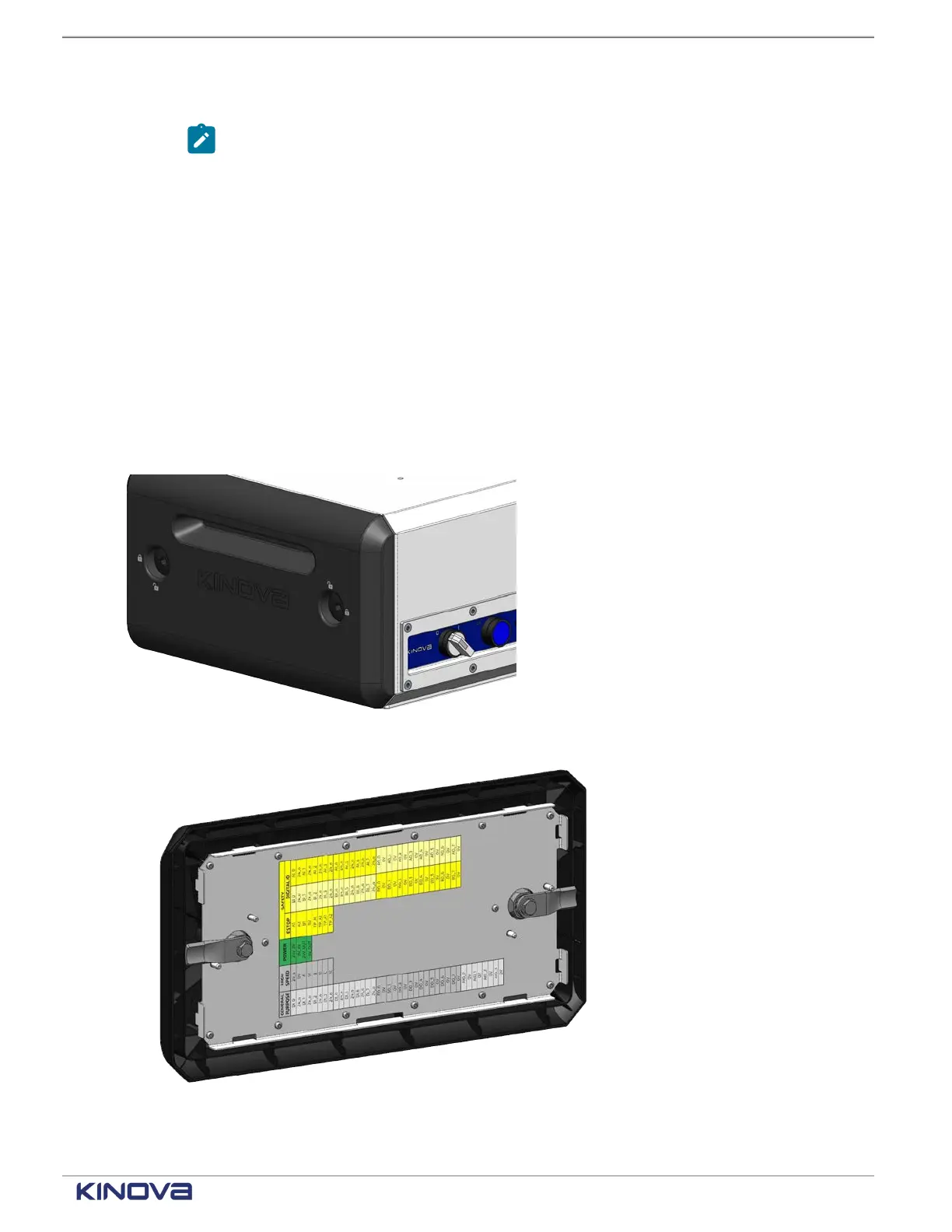
It also has a panel on the side to access I/O wiring to connect to the arm of the robot. Inside the
panel, there is a map of the location of each type of input and output.
Figure 18: Location of input and output connectors, which on the side panel
Figure 19: Map of input and output connectors is on the inside of the side panel
+1 514-277-3777 kinovarobotics.com
© 2022 Kinova inc. All rights reserved.



 To Next Page