Creating an RPPR pattern Realtime-recording an RPPR performance
73
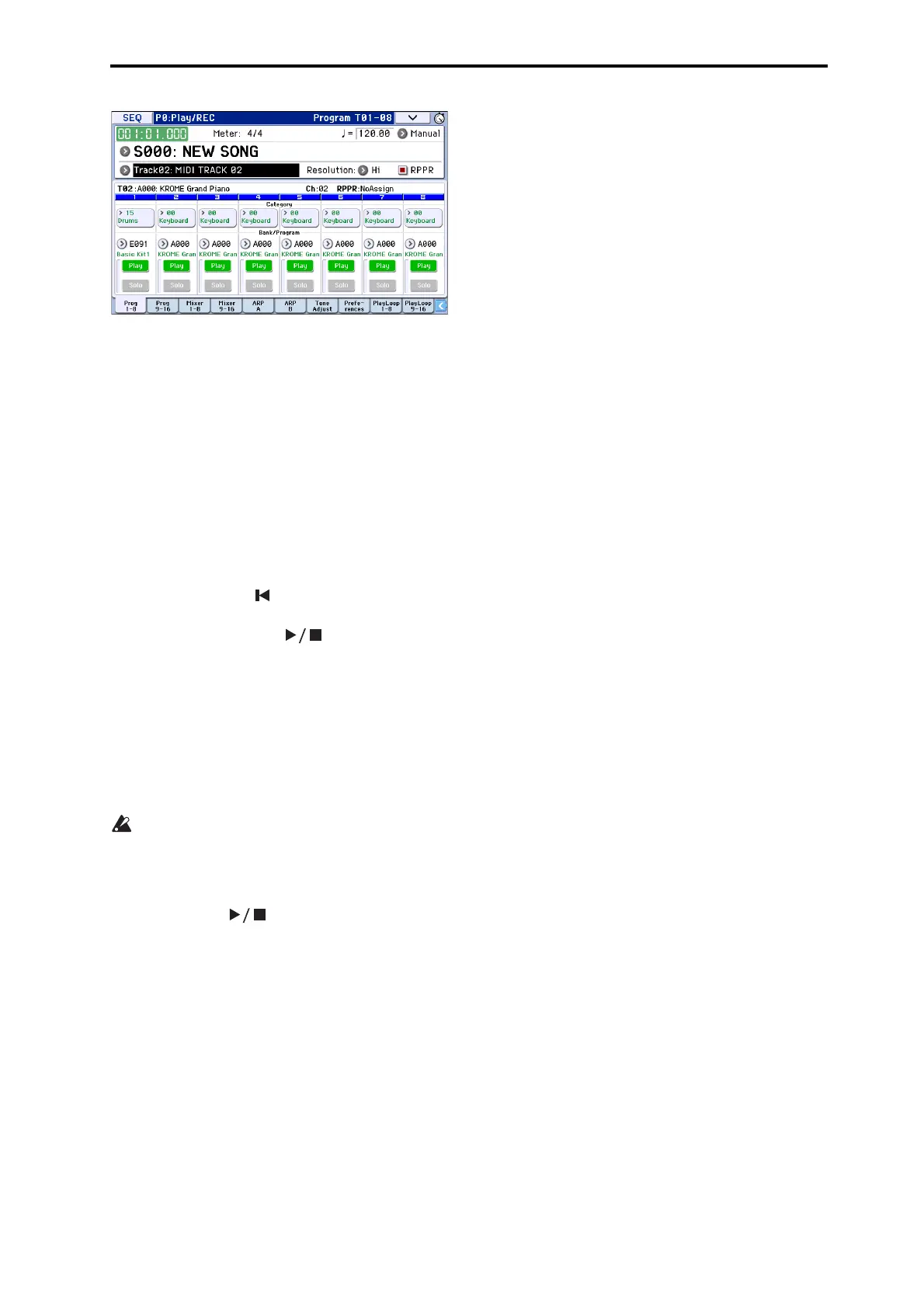
5. SinceyouwantthetracksyouplayviaRPPRand
thetrackyouplayfromthekeyboardtobe
recordedatthesametime,checktheMultiREC
checkbox.
Note: IfRecordingSetupissettoLoopAllTracks,it
willnotbepossibletoselectMultiREC.Setthe
RecordingSetuptoOverwrite(seepage 60).
6. PresstheSEQUENCERREC(
●)buttontoenter
record‐readymode.
7. Forthetracksyouwillberecording(MIDITrack1,
2),pressPlay/Rec/Mutetomakethemindicate
REC.
Makesurethatthetracksyou’renotrecordingare
indicatedasPlayorMute.
8. PresstheLOCATE()buttontosetthelocation
to001:01.000.
9. PresstheSTART/ST
OP()button,andthen
pressakeythatplaysanRPPRpattern.
ThenpressthekeywheretheRPPRpatternplaybackis
assigned.
IfthekeywheretheRPPRisassignedispressed
duringthepre‐countbeforerecording,RPPRpattern
playbackwillstartthemomentthatrecordingbegins
afterthepre‐coun
t.
RecordtheRPPRpatternplaybackandkeyboard
performance.
Whenrecordingtheplaybackofpatternstriggered
byRPPR,thetimingoftherecordedeventsmaybe
slightlyskewed.Ifthisoccurs,trysettingREC
Resolutiontoasettingotherthan Hi.
10. Whenyouarefinishedperformi
ng,pressthe
START/STOP()button.
Recordingwillend,andthesequencerwillreturnto
thelocationwhererecordingbegan.
Ifyoumadeamistakeduringyourperformanceor
wouldliketore‐record,youcanusetheCompare
function(presstheCOMPAREbutton)tore‐recordas
manytimesasyouwish.
11. Ifyouwanttorecordothertracks,un‐checkthe
MultiREC(Seestep5)or“RPPR”(Seestep4)
checkboxesasnecessary.



 To Next Page