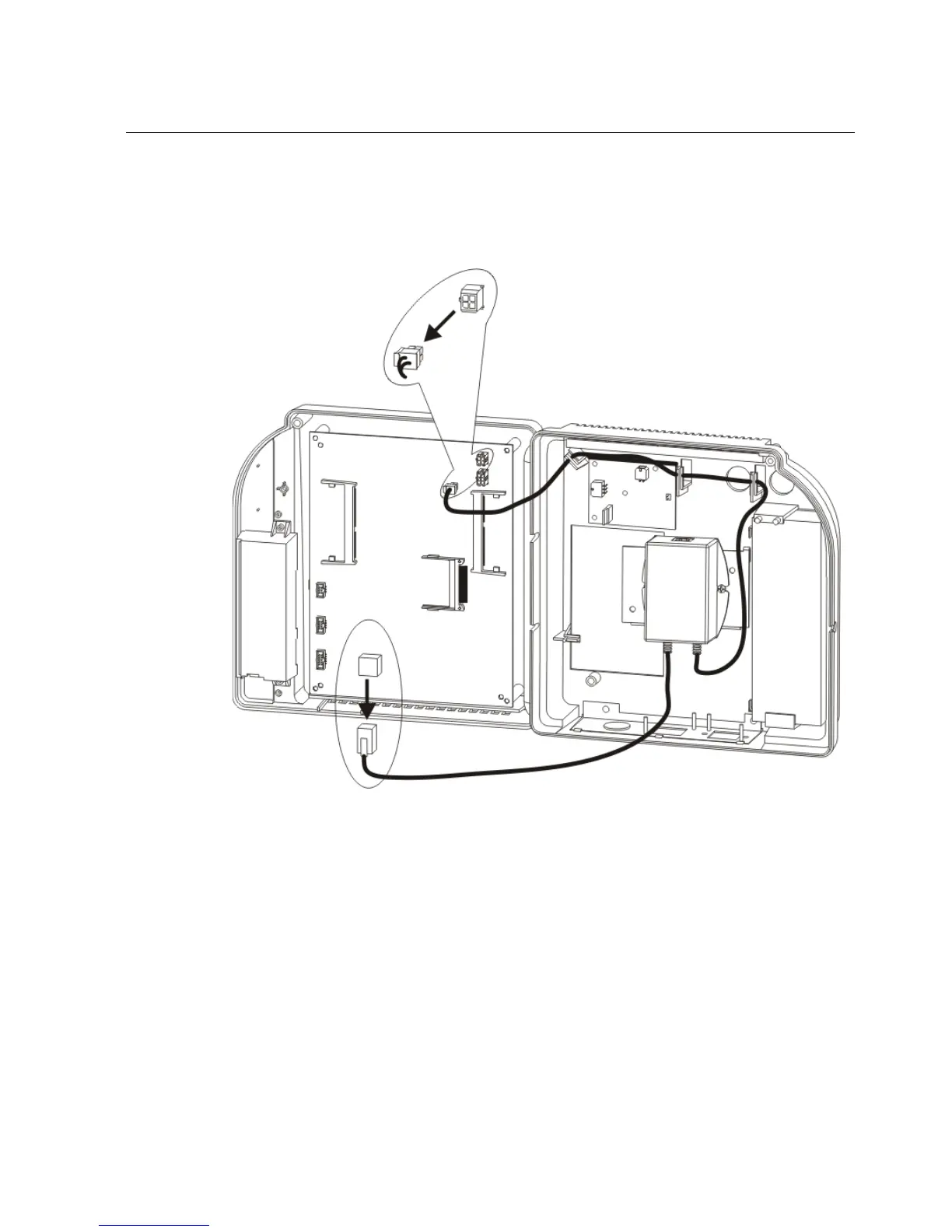
Step 2: Disconnect and remove the Series 4000 device
101
If the device uses the GT-91080 Power-over-Ethernet Option Kit (beige
module), refer to the following illustration to disconnect the cables:
b. Grip the Power-over-Ethernet module firmly and push up so that the
module and its mounting bracket slide off the channels molded into the



 To Next Page