Appendix A Replace a Series 4000 Device with the InTouch
102
base. The method is the same for the LS15 and the GT-91080 modules.
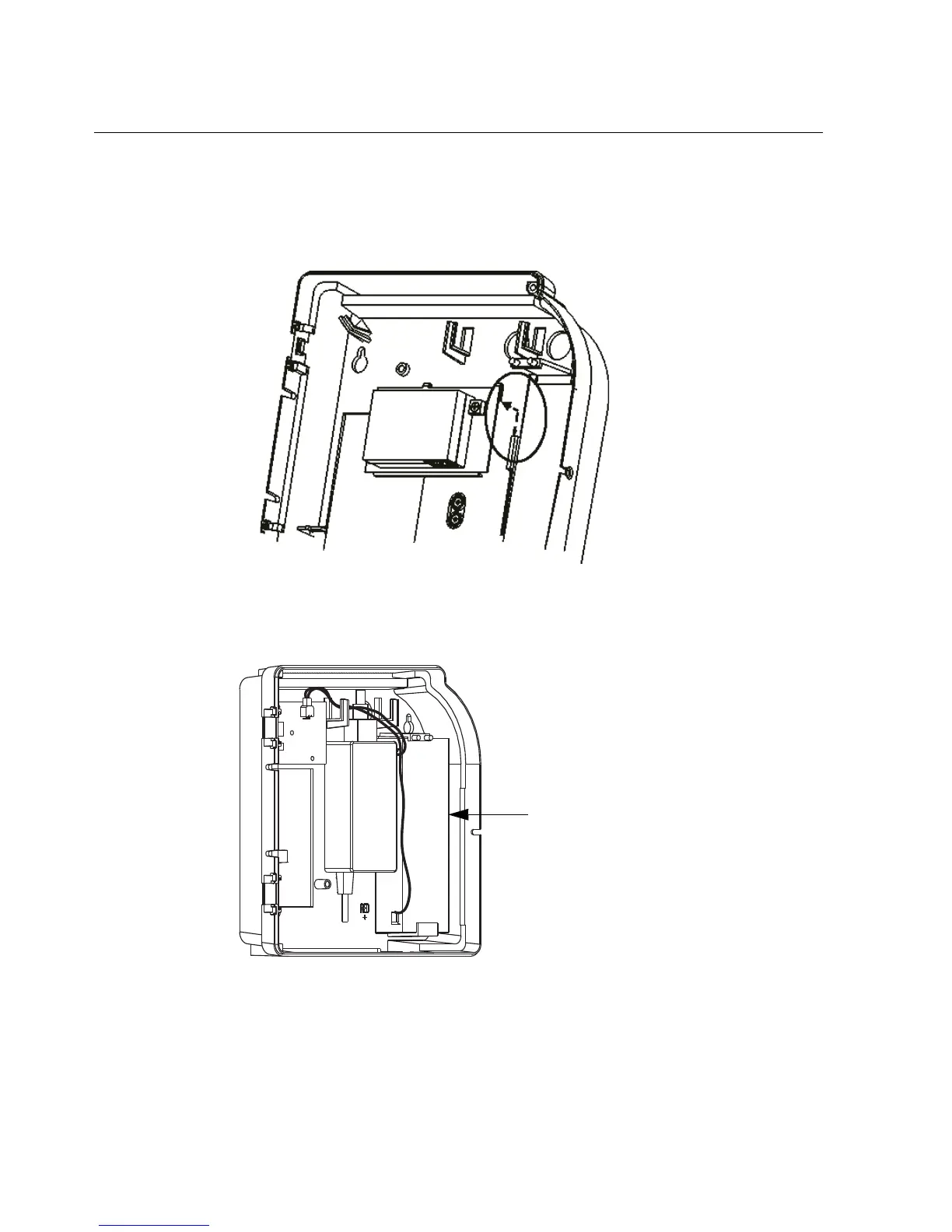
The following illustration shows the LS15 module.
4. Determine whether the device has a backup battery (1) installed in the base. If
so, go to step 5. Otherwise, go to step 6.



 To Next Page