Step 2: Disconnect and remove the Series 4000 device
103
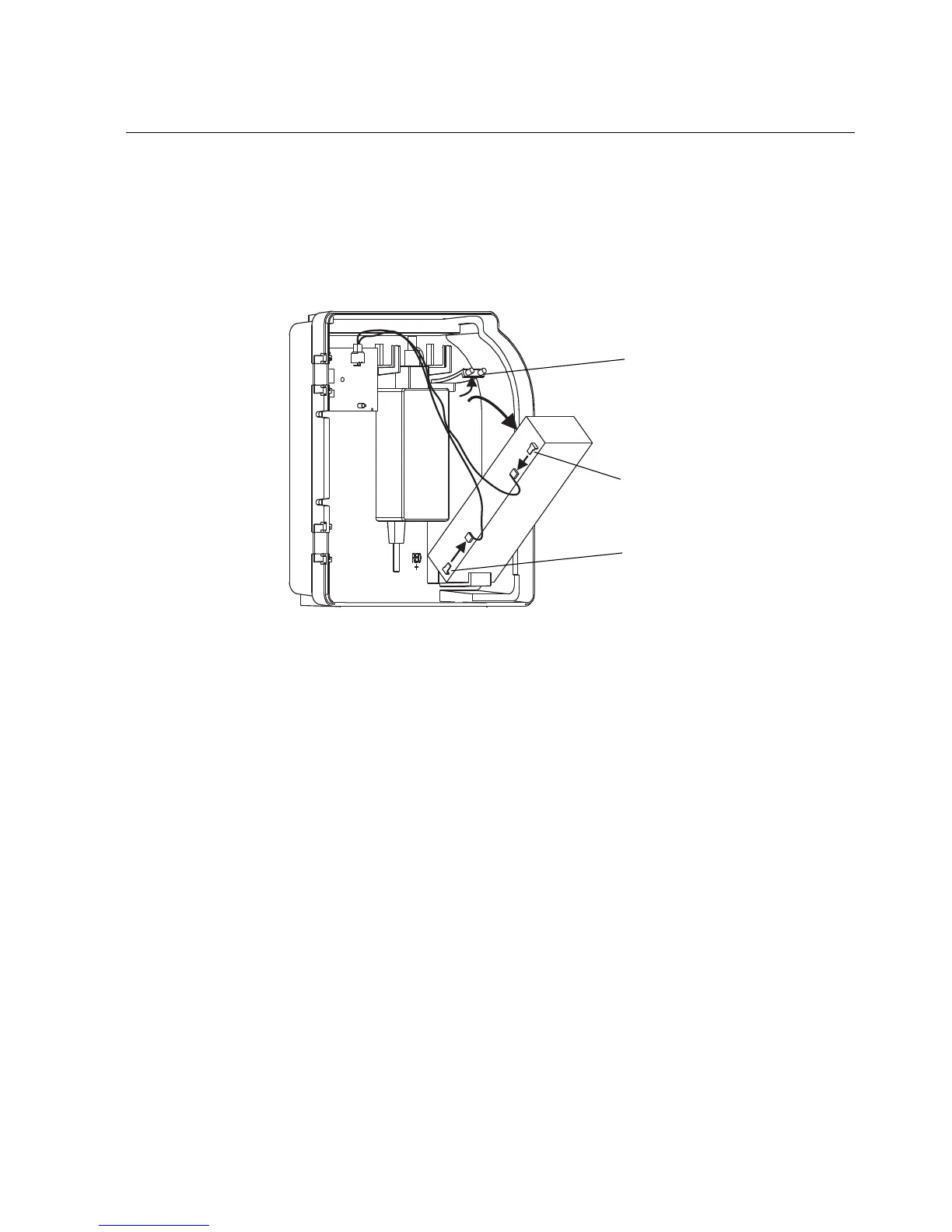
5. If the device has a backup battery:
a. Push up on the top bracket (1) and angle the battery out of position.
Disconnect the wire from the negative battery terminal (2). Then,
disconnect the wire from the positive battery terminal (3).
b. Remove the battery and set it aside.



 To Next Page