Appendix A Replace a Series 4000 Device with the InTouch
104
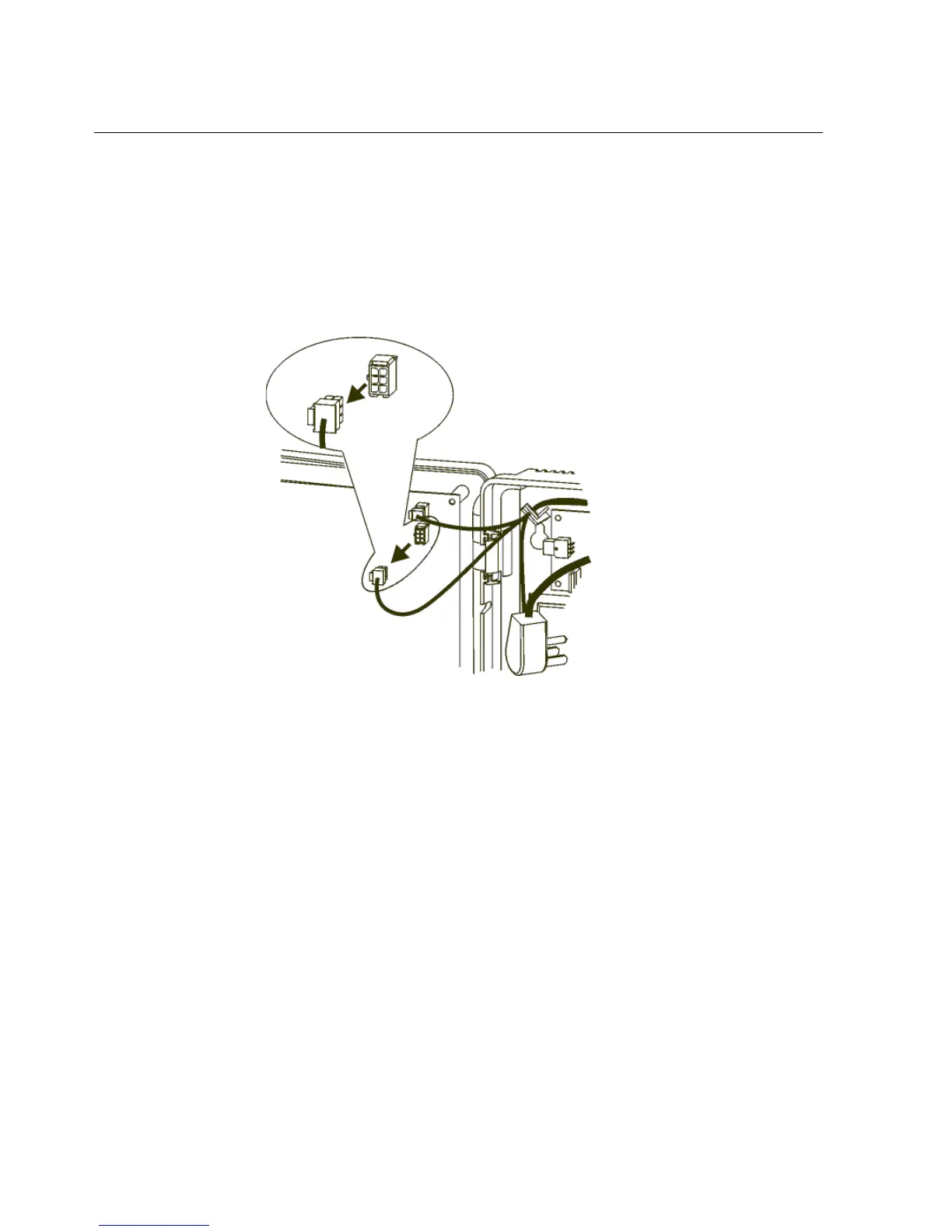
c. Disconnect the battery charger board from the main board.
If the part number of the device is 8602004-xxx or 8602800-xxx, use the
following illustration to locate the connection. Then, disconnect the
battery charger board: press the clip on the cable connector, and move the
connector from side to side while you pull it out of the socket.



 To Next Page