Appendix A Replace a Series 4000 Device with the InTouch
112
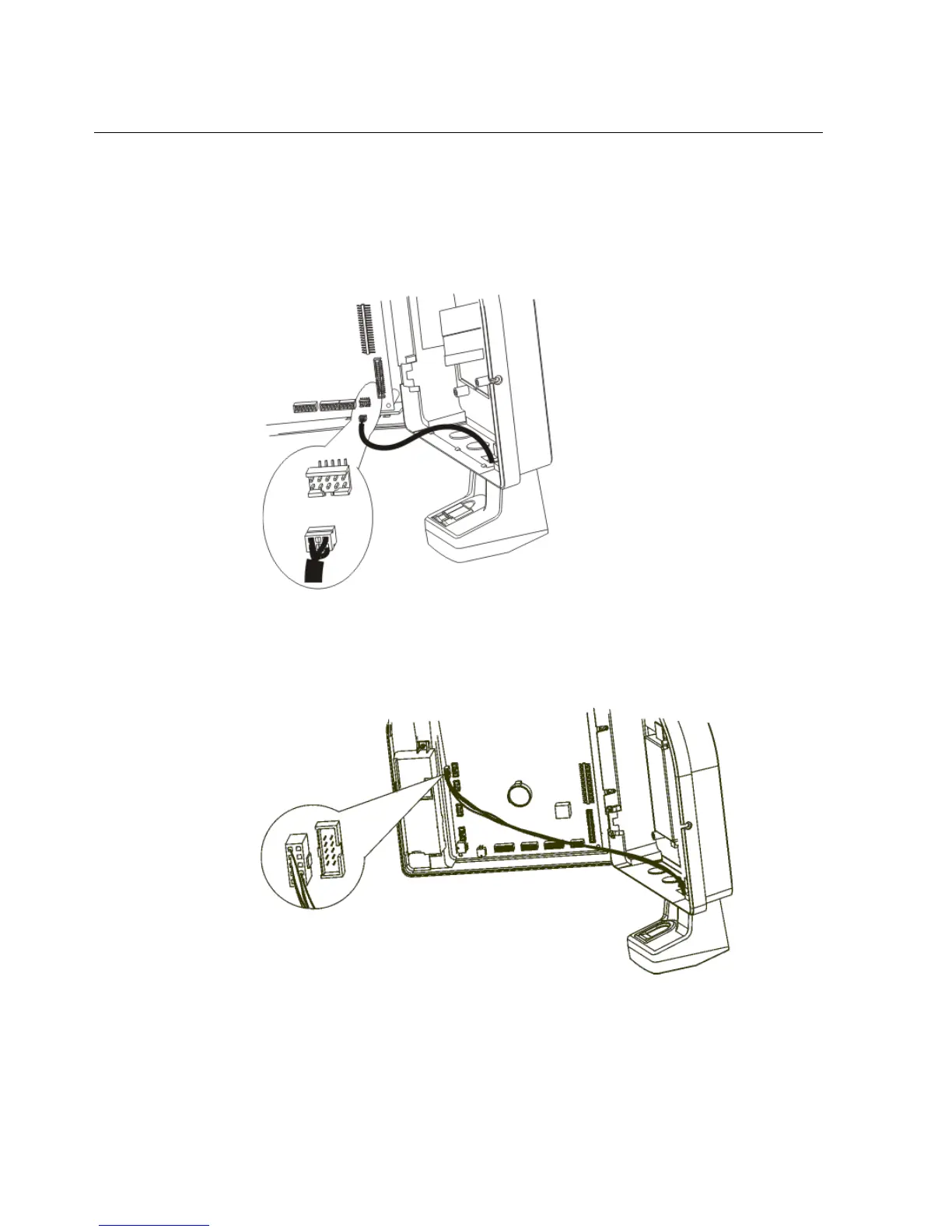
a. If the part number of the device is 8602004-xxx or 8602800-xxx, use the
following illustration to locate the connection. Then, unplug the
verification device from its connection on the main board.
If the part number of the device is 8602000-xxx, use the following
illustration to locate the connection. Then, unplug the verification device
from its connection on the main board.
b. Disconnect the green ground wire leading from the verification device by
removing the screw and freeing the wire. Then, reinstall the screw.



 To Next Page