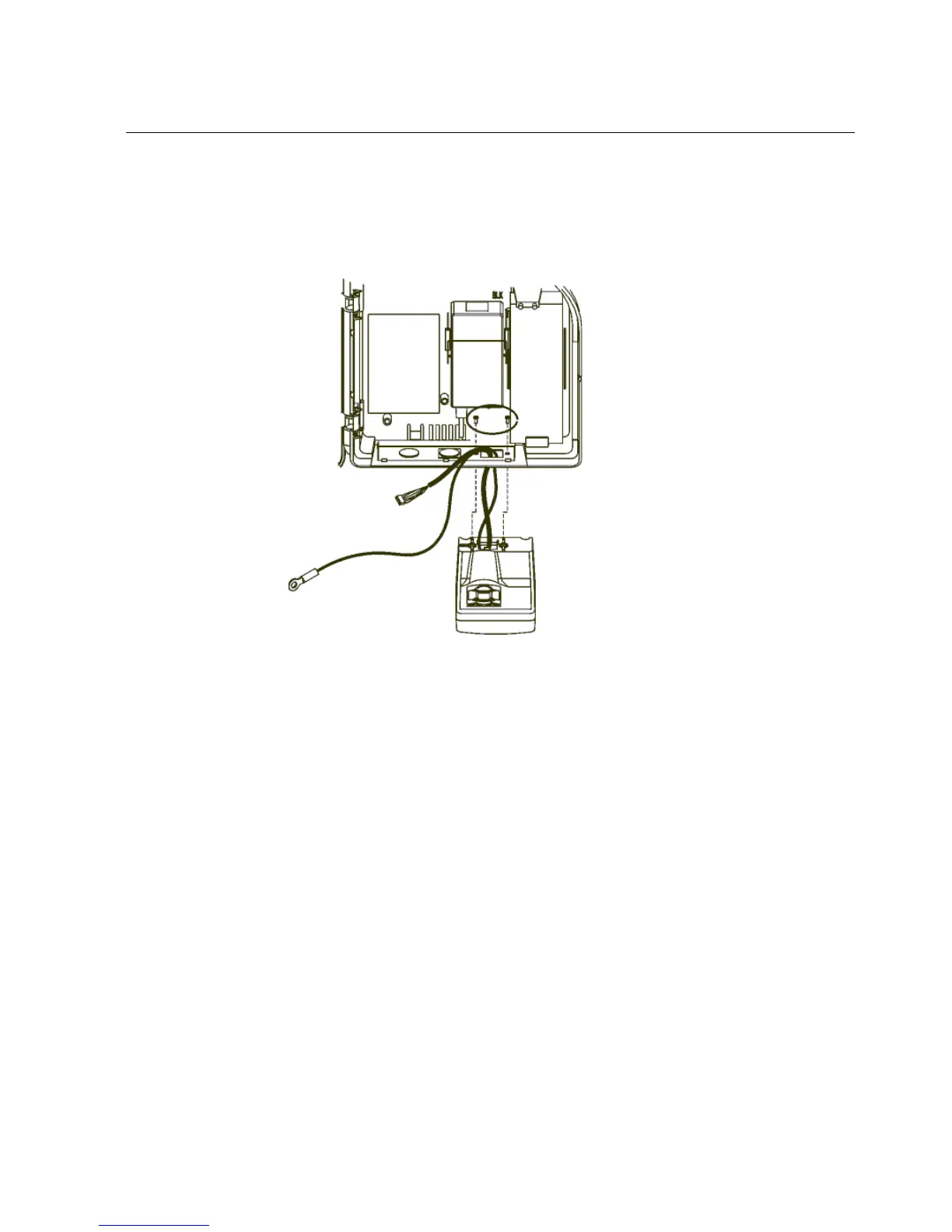
Step 2: Disconnect and remove the Series 4000 device
113
c. Remove the verification device from the device by loosening the two
screws (circled in the illustration) holding it to the base, and set the
verification device aside.
10. If your device uses an external reader (linear imager, or laser scanner):



 To Next Page