Appendix A Replace a Series 4000 Device with the InTouch
114
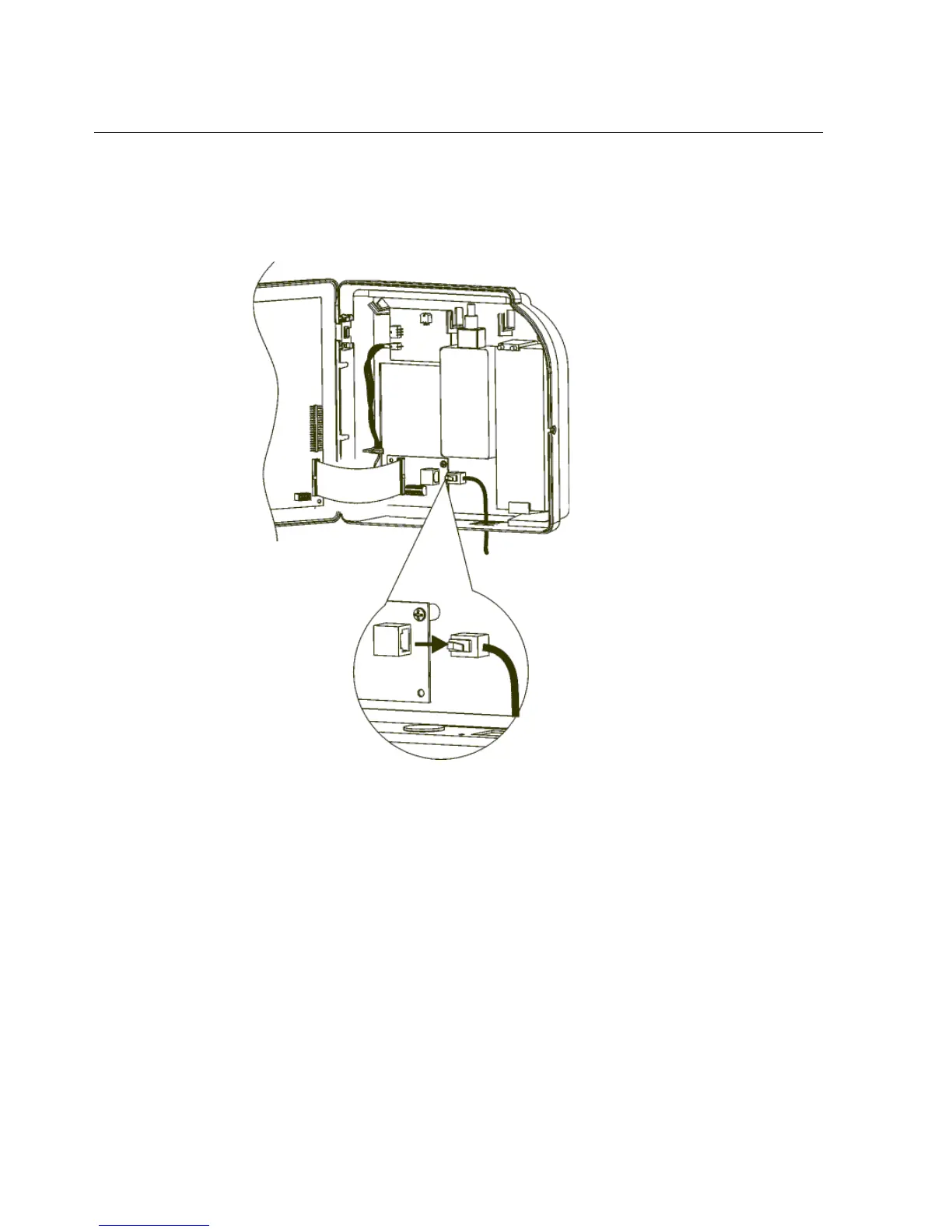
a. Disconnect the reader from the interface board, as shown in the following
illustration:
b. Thread the reader cable out of the device and set the reader aside.
11. If your device uses a remote bar code reader, disconnect the reader from the
device main board and thread the cable out of the device.



 To Next Page