Appendix A Replace a Series 4000 Device with the InTouch
98
2. If your device is powered by a standard AC power cable, locate the electrical
outlet that the device is plugged into and unplug the cable. This outlet could
be a wall outlet over which the device is mounted (covering the outlet from
view), a wall outlet away from the device, or an outlet assembled inside the
device.
If power is supplied to your device through a network Ethernet cable, (device
part number 8602004-xxx or 8602800-xxx only) unplug the Ethernet cable
that runs into the device from the Power-over-Ethernet module.
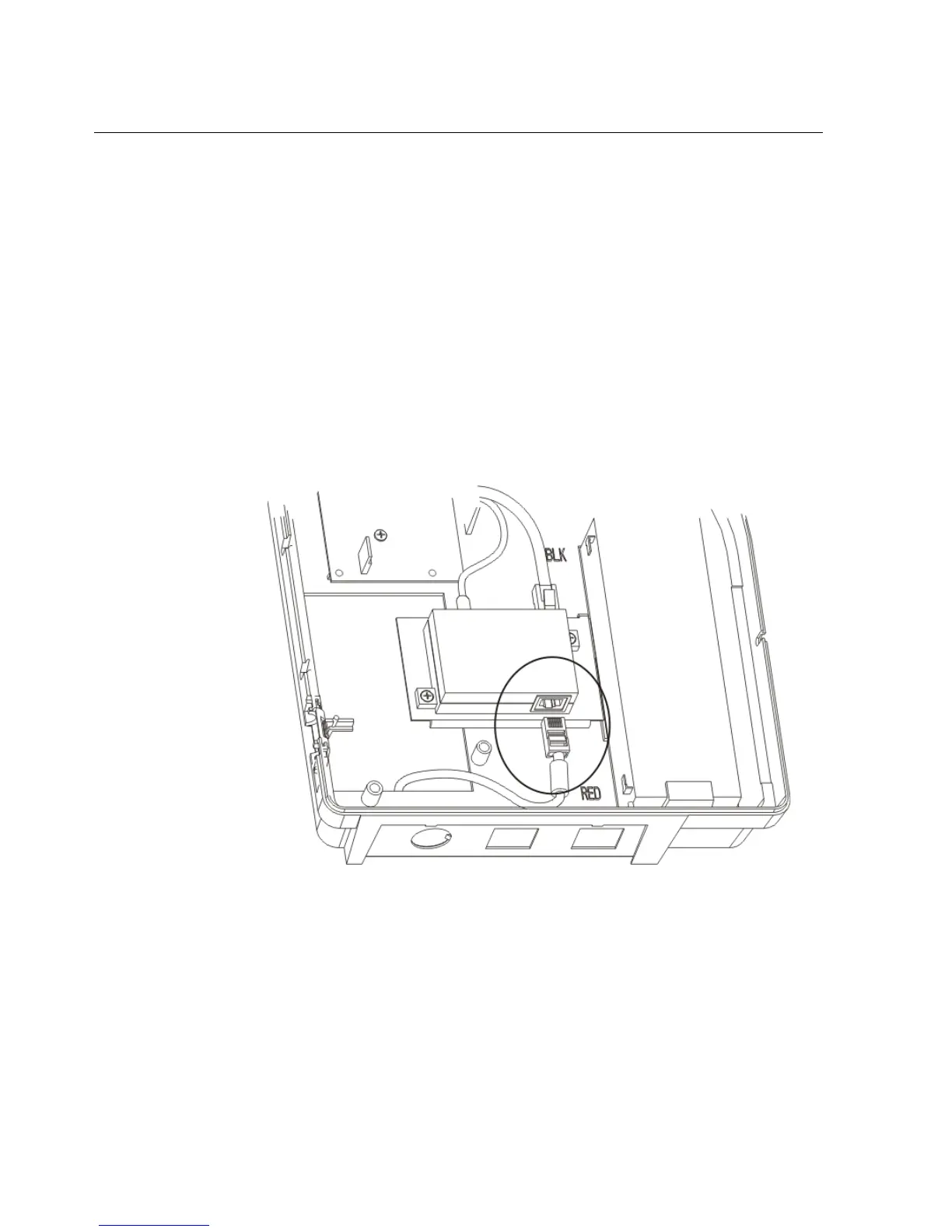
If the device uses the LS15 Power-over-Ethernet module (black module), refer
to the following illustration to unplug the Ethernet cable from the module:



 To Next Page