Step 2: Disconnect and remove the Series 4000 device
99
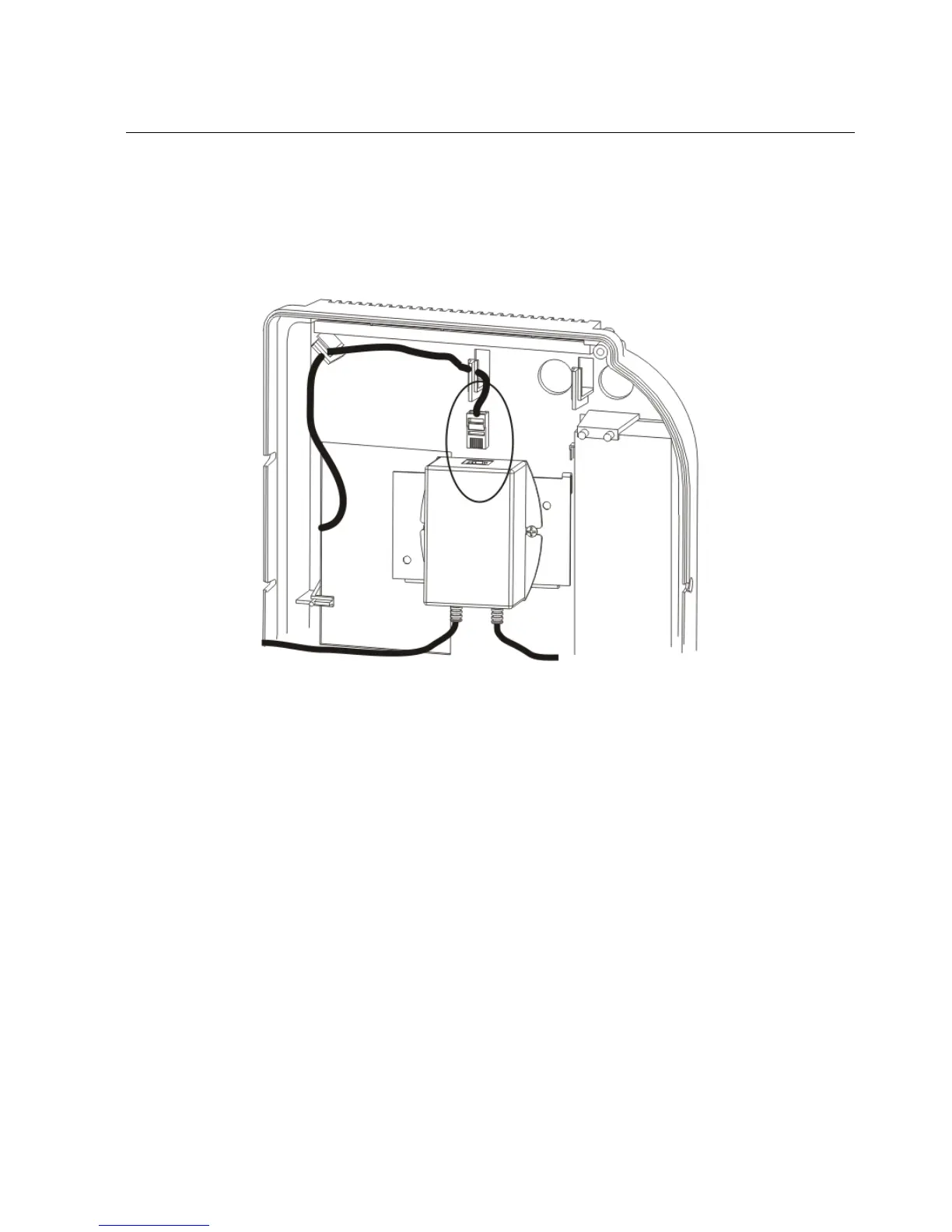
If the device uses the GT-91080 Power-over-Ethernet module (beige module),
refer to the following illustration to unplug the Ethernet cable from the
module:
3. If a Power-over-Ethernet module is installed in the device (device part
number 8602004-xxx or 8602800-xxx only):
a. Disconnect the power and Ethernet cables that run from the module to the
main board inside the cover of the device.



 To Next Page