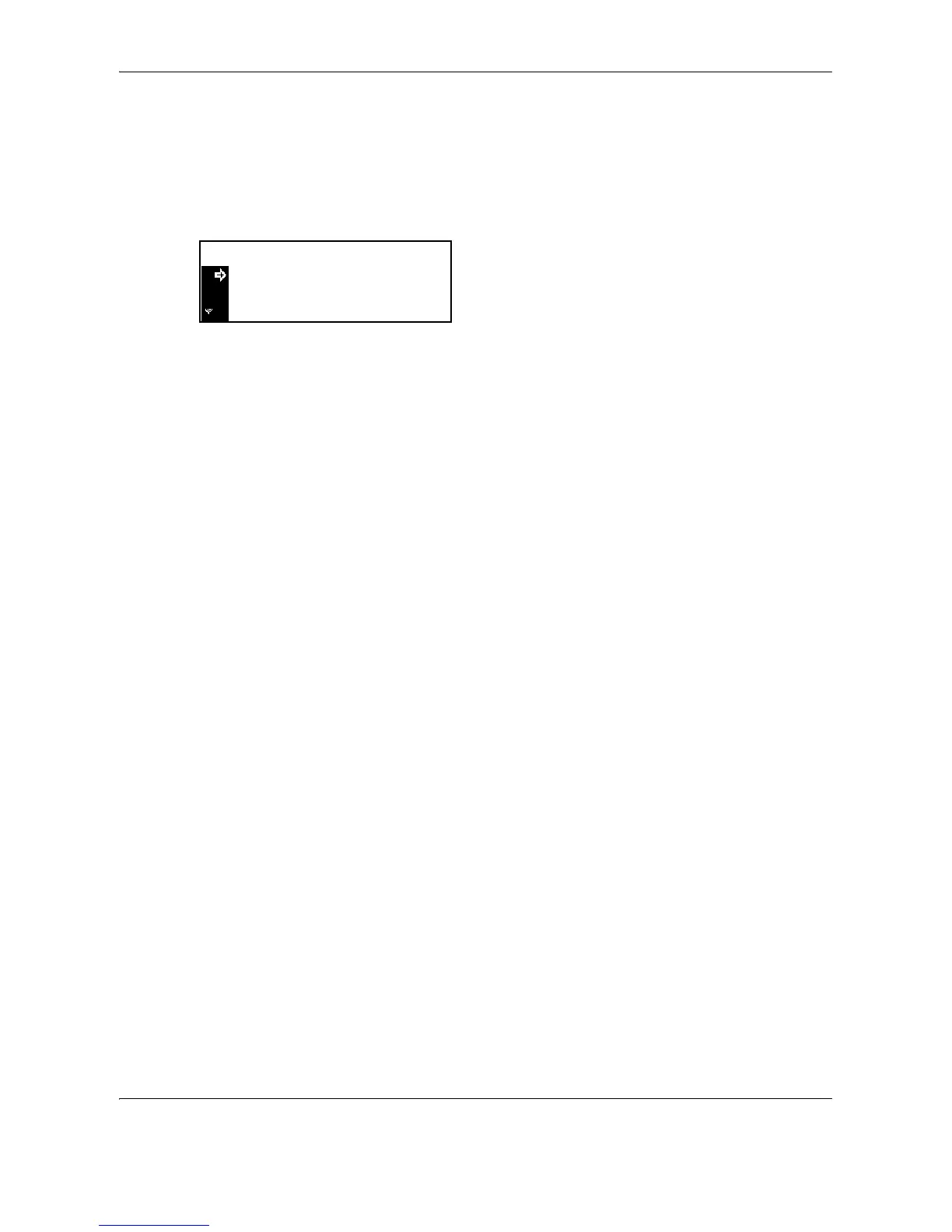
System Menu
6-30 OPERATION GUIDE
Paper Type
To set the paper type to be used in the MP tray, continue the procedure from Paper Size setting.
Paper types that can be set: Plain, Transparency, Preprinted, Labels, Bond, Recycled, Vellum,
Rough, Letterhead, Color [Colour], Prepunched, Envelope, Cardstock, Thick paper, High
quality, Custom 1 (to 8)
Press
U or V to select the paper type, and then press
the Enter key.
The message display returns to the copier basic screen.











 To Next Page