20 Flowmaster User’s and Service Manual | LBL-000990 [B] Chapter 2
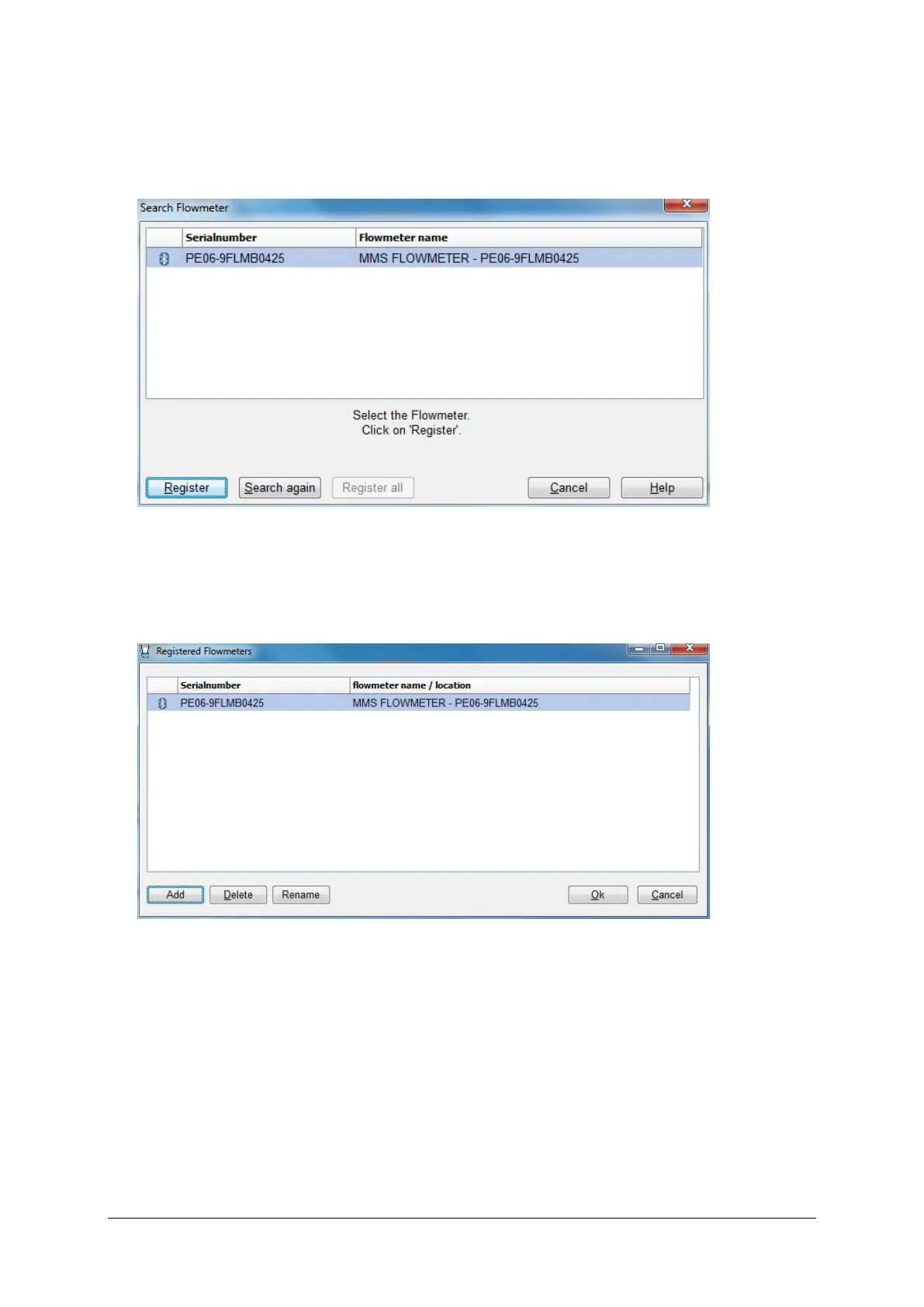
▪ Click on the Start search button. The program will search for the
flowmeter and may take 1 minute. The serial number will be displayed in
the window.
Figure 2.6 Flowmeter found
▪ Click on the Register button to register the flowmeter.
▪ Click on the OK button to leave this window.
Figure 2.7 Registered flowmeter
▪ Click on the Rename button to give the flowmeter a unique name under the
header flowmeter name / location, for example the number of the room in
which the flowmeter is placed.
▪ Click on the OK button to finish registration.



 To Next Page