28 Flowmaster User’s and Service Manual | LBL-000990 [B] Chapter 4
4. Uroflow Report
4.1 Introduction
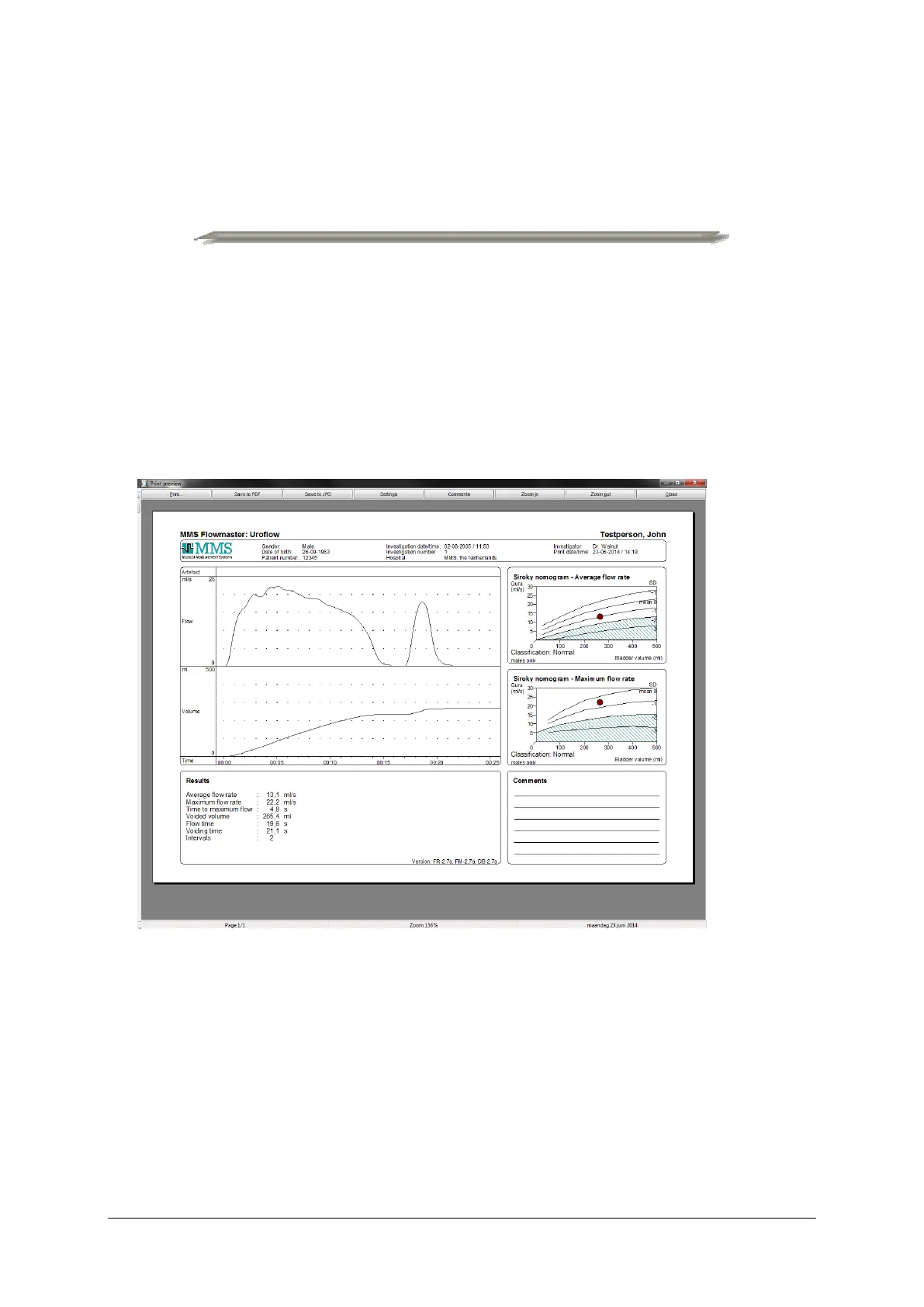
The uroflow report can be printed automatically or printed via the ‘Print
preview’ window when the investigation is finished (see § 3.3 and § 3.4). From
the database program, it is always possible to print the uroflow report. Use the
mouse and double-click on the Uroflow study.
Figure 4.1 Print preview window
Use the buttons as follows:
• Click on the Print button to print the investigation report.
• Click on the Save to PDF or Save to JPG button to save the uroflow report
as PDF or JPG document.



 To Next Page