Flowmaster User’s and Service Manual | LBL-000990 [B] 41
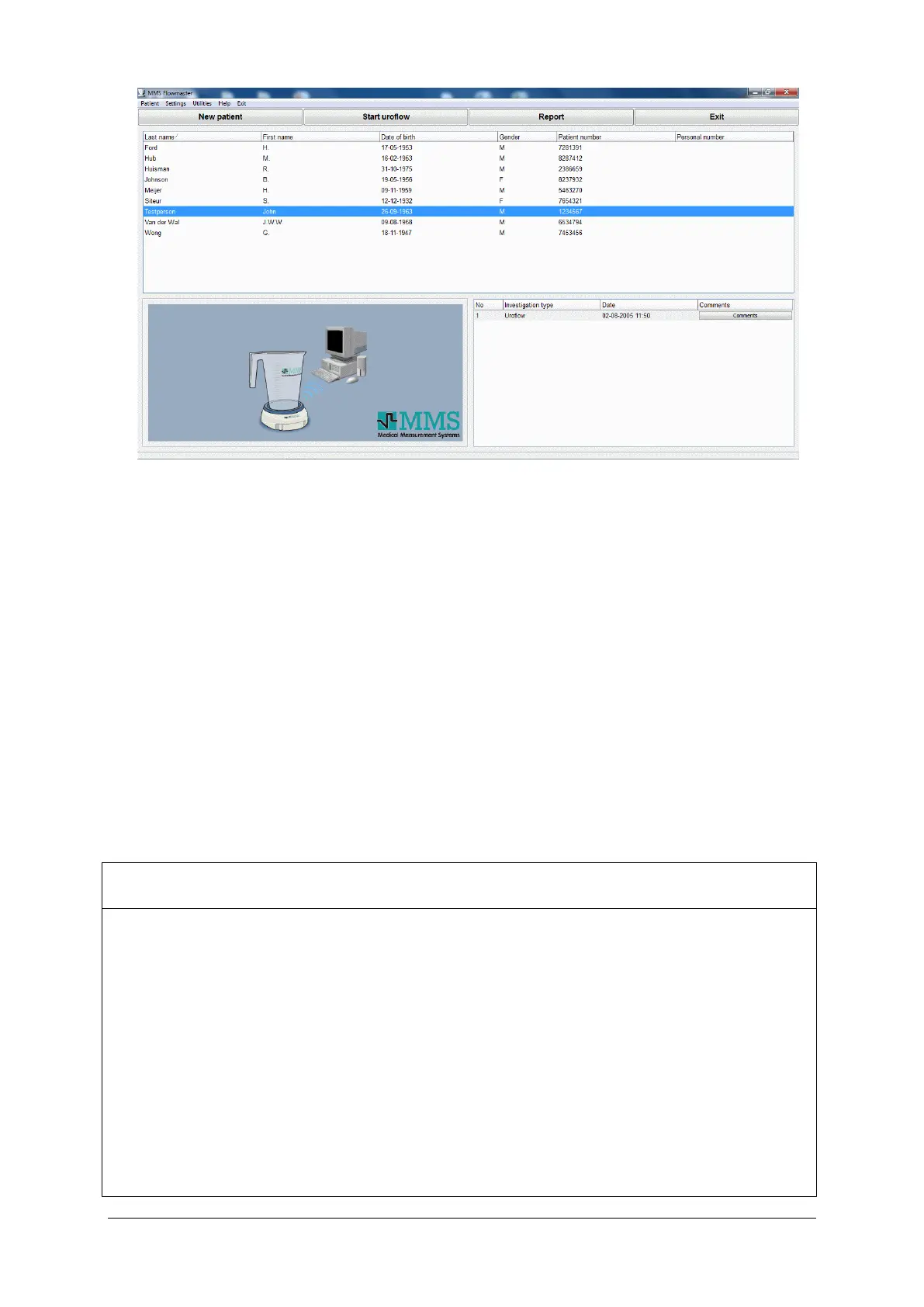
Figure 5.7 Database program
In this database, you will find two windows containing:
• a list with all the patients.
• a list with all the investigations performed on the selected patient.
Via the database program you can enter a new patient, start the uroflow
investigation and print the uroflow report as described in § 3.4. In the next
paragraphs, you will find a description of the database menu-items.
5.3.2 Patient
Select Patient in the database program to display the menu-items as
described below.
New Enter the information of a new patient (see § 3.4).
Edit Edit the information of the selected patient.
Delete Delete all the information of the selected patient from the
computer hard disk.
Cardreader Use a cardreader to obtain for patient information
(optional).
Read HIS info Import patient demographics (only available with the HIS
software option, see chapter 10).



 To Next Page