Multiple Flowmasters Flowmaster User’s and Service Manual | LBL-000990 [B] 59
▪ Enter the information of the correct patient. The information in the header
tells you to which flowmeter (name and serial number) the uroflow
recording belongs. Click on the OK button to save patient information and
uroflow results in the database program.
▪ The information is printed on paper and saved as PDF and/or JPG
document as set in the investigation protocol.
9.3.3 Uroflow via Database Program
The database program gives you the opportunity to select a patient name first
and to link that patient to a specific flowmeter before the flow.
It is important to send the patient to the selected (linked) flowmeter.
When more than one flow has been detected, the recordings appear on the
screen in cascade view. Each window clearly indicates the flowmeter name,
serial number, investigation date and investigation time. This information is
also shown when the patient information is linked to the uroflow recording and
on the investigation report.
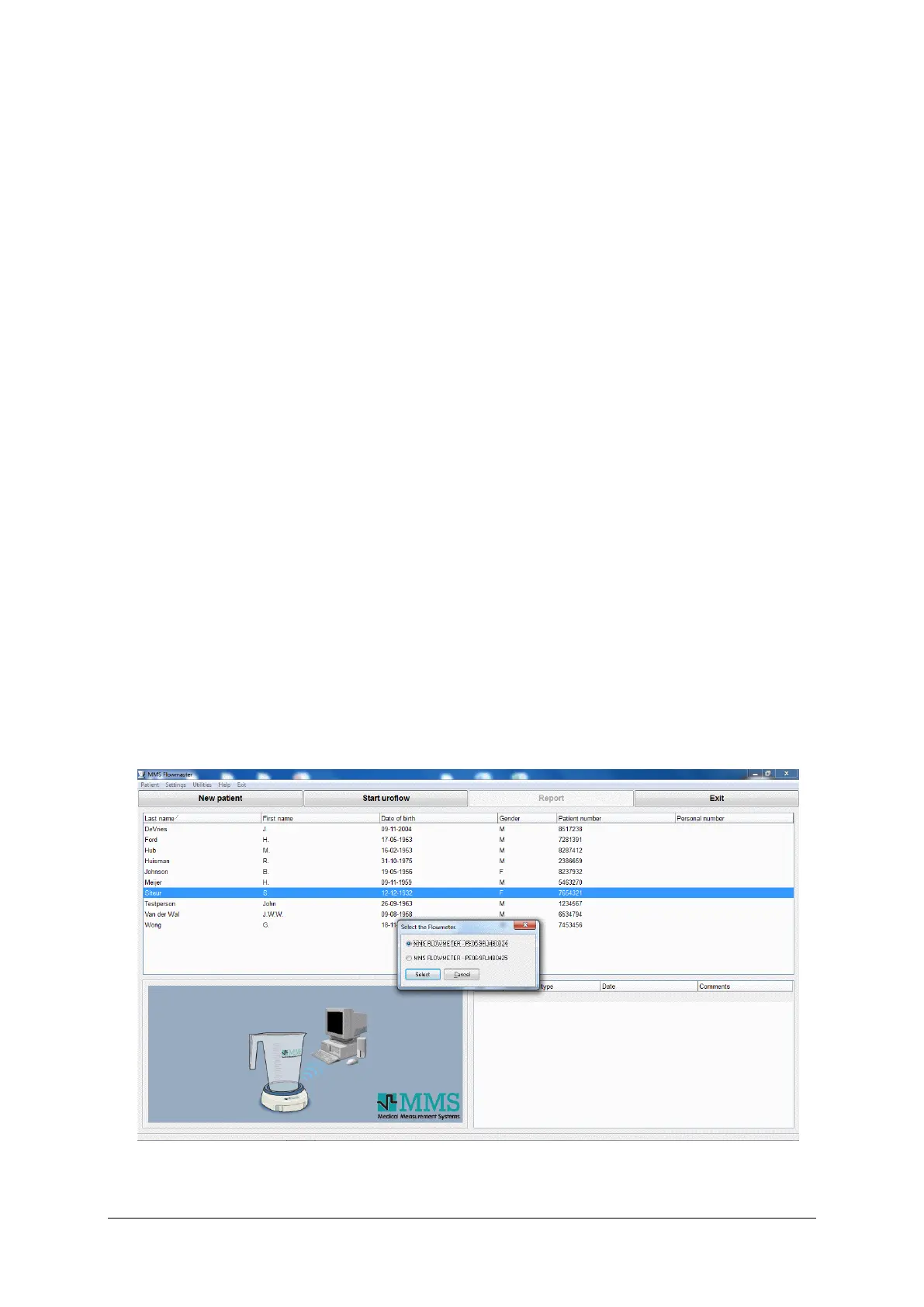
The procedure is as follows:
▪ Double-click on the MMS Flowmaster Database button.
▪ Click on the New patient button or select a patient from the list.
▪ Enter patient information and click on the OK button.
▪ Click on the Start uroflow button.
Figure 9.4 Select a flowmeter



 To Next Page