58 Flowmaster User’s and Service Manual | LBL-000990 [B] Chapter 9
When more than one flow has been detected, the recordings appear on the
screen in cascade view. Each window clearly indicates the flowmeter name,
serial number, investigation date and investigation time. This information is
also shown when the patient information is linked to the uroflow recording and
on the investigation report.
The procedure is as follows:
▪ Check that the flowmeter icons on the taksbar show flowmeter
communication.
▪ Send each patient to a room with a flowmeter and make a note. Be sure
that the patient visits that specific room.
▪ The moment that one or more flowmeters detect urine simultaneously,
recording starts and the measured uroflows are displayed on the monitor
screen next to each other. Each window indicates name and serial number
of the flowmeter.
▪ Recording stops automatically when the post flow time elapsed after the
last flow detection. It is also possible to click on the Stop and save button.
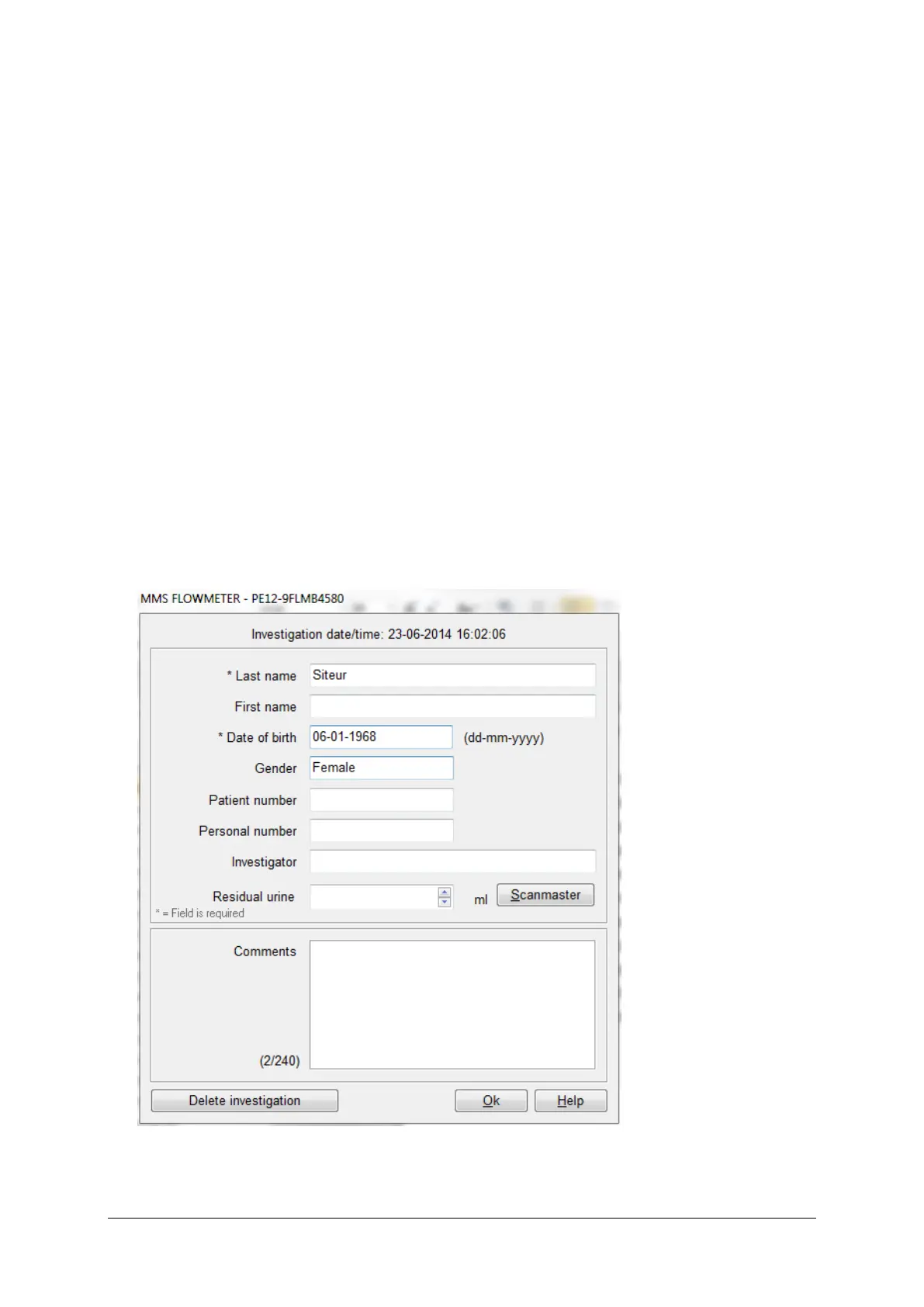
Figure 9.3 Enter patient information



 To Next Page