52 Flowmaster User’s and Service Manual | LBL-000990 [B] Chapter 8
used for performing investigations and displaying data in the database
program anymore.
More than one flowmeter?
If you have more than one computer with Flowmaster software, you must
define for each computer a separate network directory. It is not possible to
save the investigation data of different Flowmaster computers in the same
network directory.
8.3 Install the Software
The Flowmaster is delivered with one USB or CD-ROM containing Flowmaster
software and Widcomm Bluetooth software. Before you can work with the
Flowmaster you must install the software on your computer. The information in
this paragraph explains the installation of Flowmaster software with the
network functionality.
When installing the Flowmaster, first install the Laborie
software and then plug-in the Bluetooth dongle.
The installation in Windows 8 is done as follows:
▪ Start Windows 8 and insert the USB or CD-ROM in the computer drives. If
the installation program starts automatically, you need to cancel the
installation first!
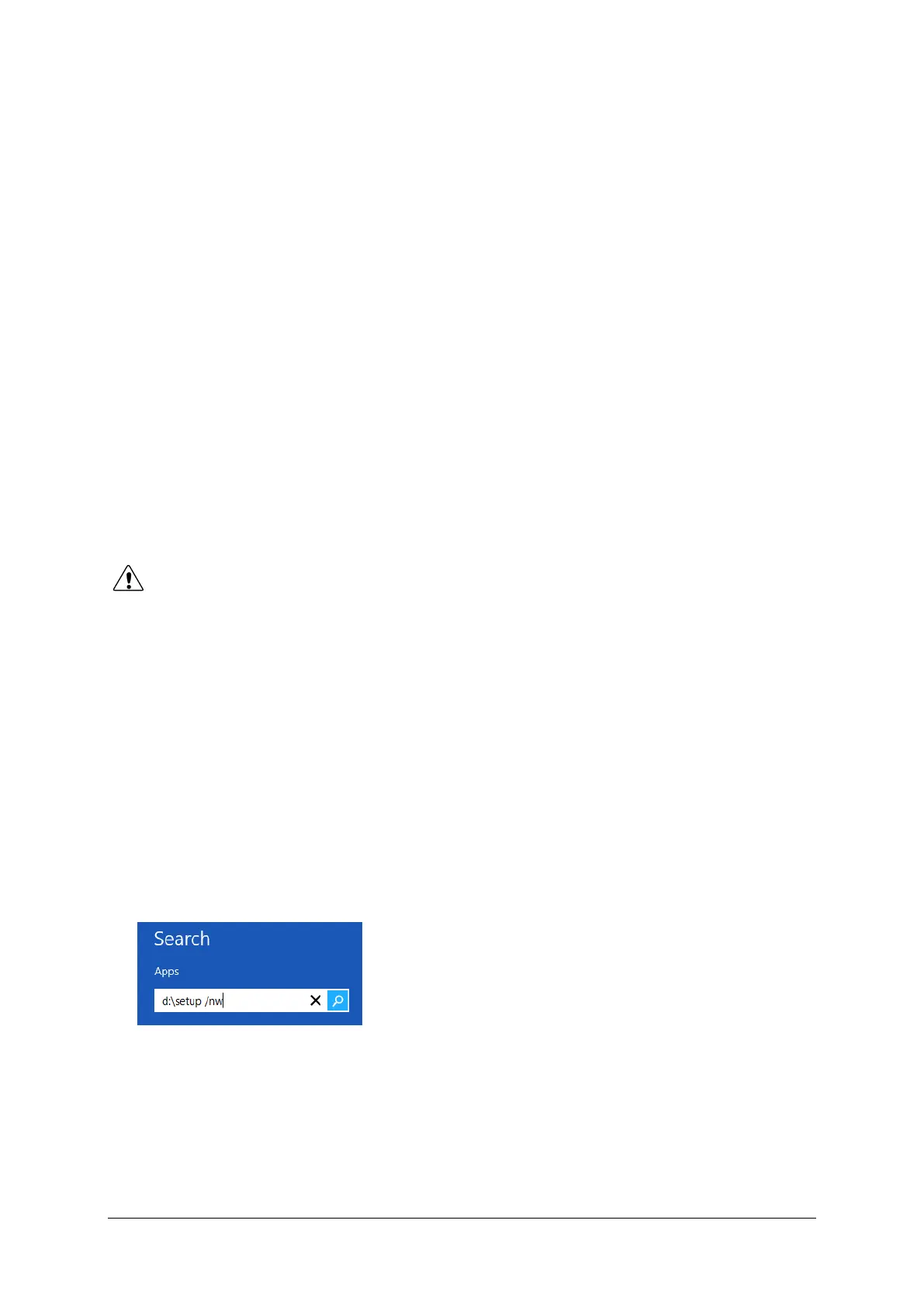
▪ If you started the desktop in windows 8, move the mouse to the upper right
corner and click on the search function. A text box appears.
▪ Type d:\setup /nw and press Enter (you can also start typing when you
are in the Start screen of Windows 8, without starting desktop first. The
textbox will appear automatically then).
Figure 8.1 Textbox
▪ Click on the OK button to display the window ‘Welcome’.
▪ Click on the Next button to display the window ‘Choose Destination
Location’. Select on the hard disk of your computer the directory to store
the Flowmaster program (default c:\mmsFlowMaster). If there is already a



 To Next Page