18 Flowmaster User’s and Service Manual | LBL-000990 [B] Chapter 2
▪ Put the flow funnel [6] into the cup of chalice at the top of the stand.
▪ When using batteries, open the battery compartment [4] by pushing the two
side clips. Insert the batteries while noticing the polarity instructions as
displayed in the battery compartment. Keep the compartment symmetrical
while placing it in the flowsensor. A click must be heard at both sides. The
green/red LED will flash as an indication that the flowsensor is powered.
▪ When using the power supply of Laborie (F3BT-PS), connect the 5 Volt
power supply to the flowsensor [2]. Connect the other end of the power
supply to the mains. The green/red LED will flash as an indication that the
flowsensor is powered.
▪ Finally, you must register the flowmeter in the
software as described in § 2.6.
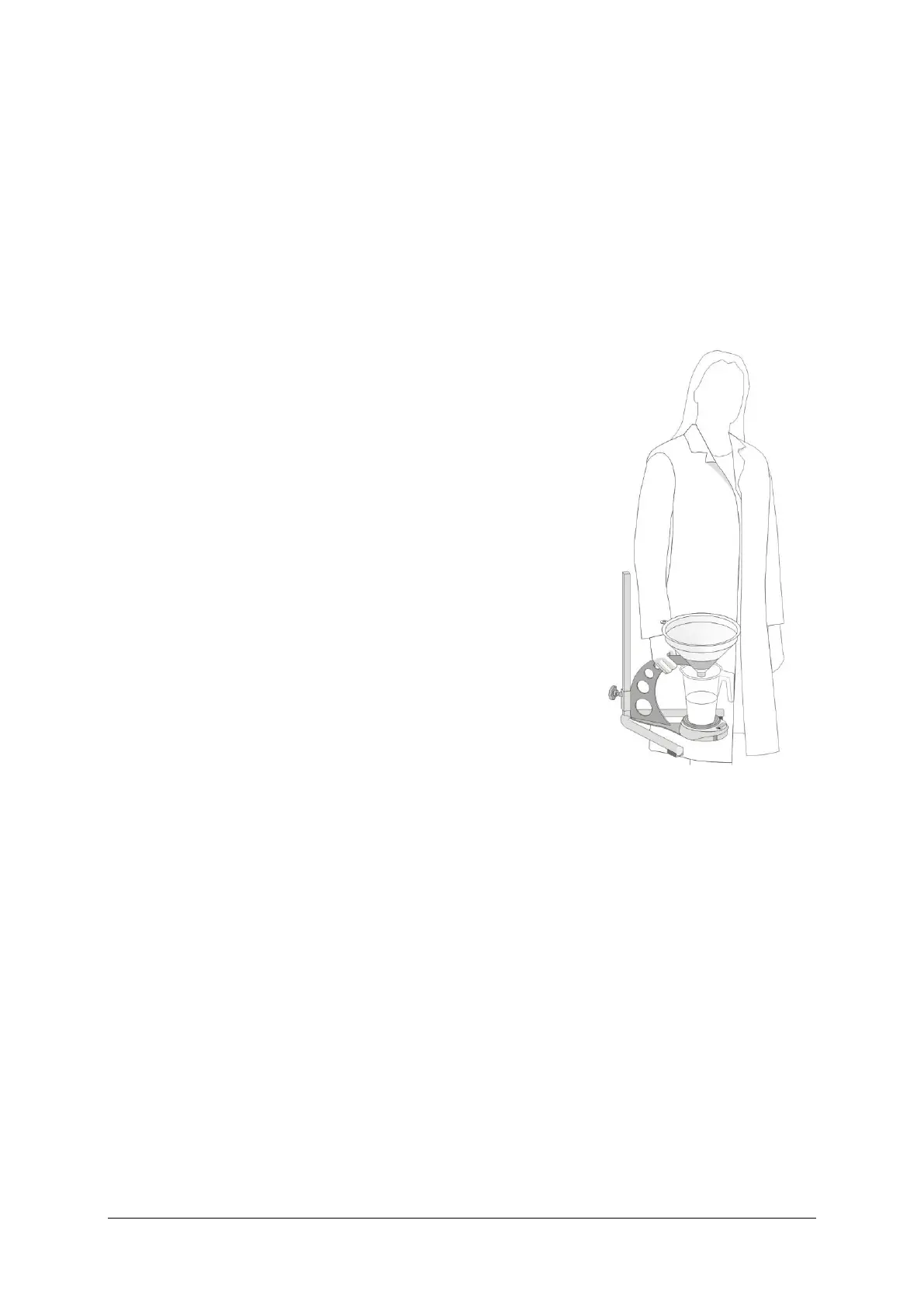
Pick-up the flow stand
The best way to pick-up the flow stand is to take the
flow stand arm on which the funnel is placed. Be
careful when the flowsensor is not secured on the
flow stand.
Batteries
Under normal circumstances the flowsensor is
expected to run 80 hours. The flow scheduler can
help you to save battery lifetime (see § 5.2.4).
Figure 2.2 Pickup flowmeter
2.6 Register the Flowmeter
The flowmeter must be registered in the Laborie Flowmaster software. When
the flowsensor is connected to the power supply you do not need batteries.
Otherwise you must place the four batteries in the compartment. After inserting
the batteries, you have 15 minutes to register the flowmeter; replace the
batteries when registration fails.
The procedure is as follows:
▪ Click on the Flow program button in the task bar.



 To Next Page