Reindex file Index the database files automatically. Use this function
when the Flowmaster program has stopped without reason,
or when patient information is lost.
System info Display information about Flowmaster and computer, e.g.
program version and Bluetooth information. This
information can be printed, saved, e-mailed or printed as
fax.
Customer Enter the registration form to register your new system.
registration
Diagnostics Display flow/weight values; check communication between
flowmeter and computer (see § 5.2.5).
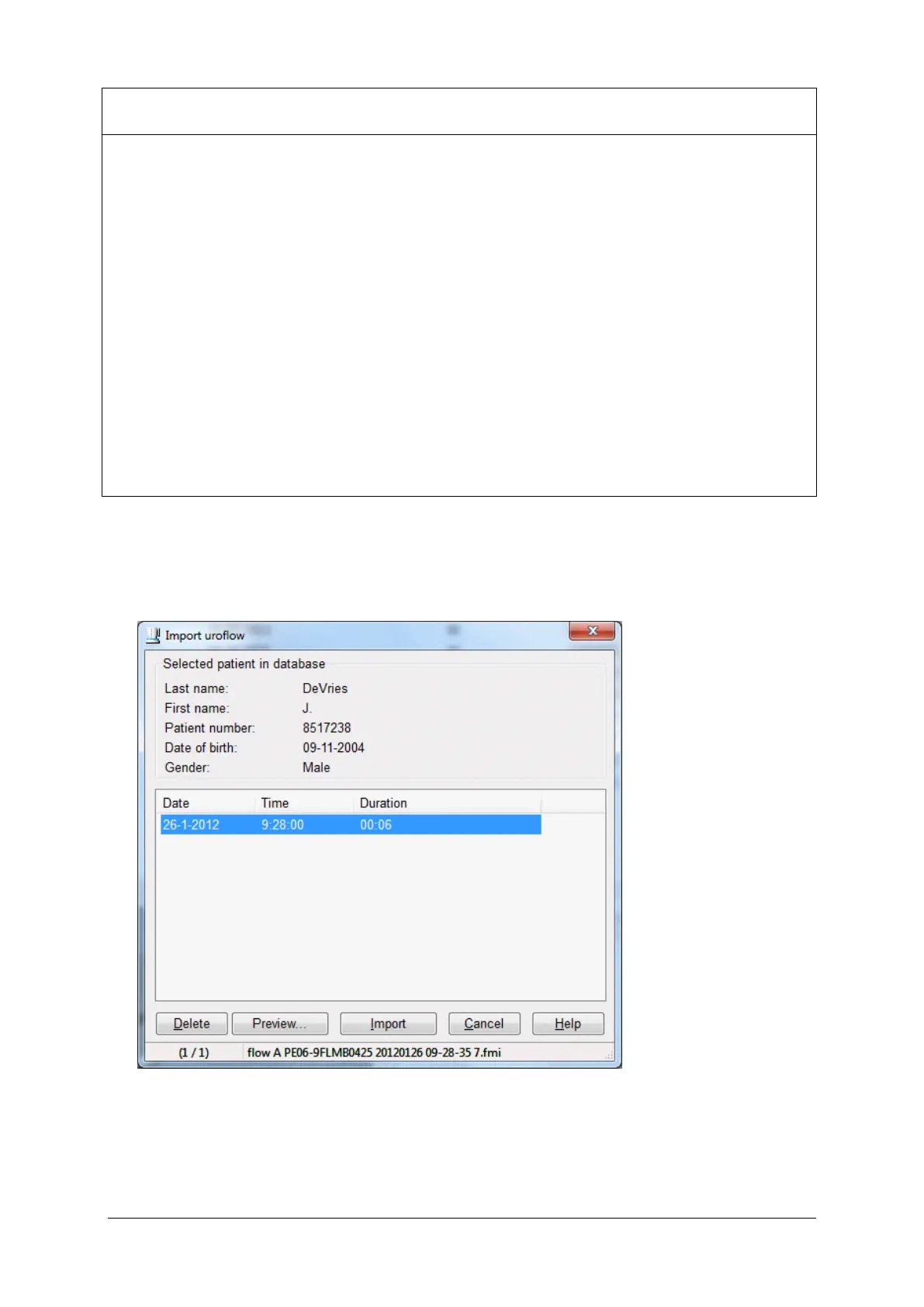
5.3.5 Import Uroflow
Choose Patient > Import uroflow to display the following window.
Figure 5.8 Import uroflow
This function can be used only when the setting ‘Enter patient info’ is disabled
(see § 5.2.3).



 To Next Page